Page 8 For technical questions, please call 1-888-866-5797. Item 64170
Operating Instructions
Read the ENTIRE IMPORTANT SAFETY INFORMATION section at the
beginning of this document including all text under subheadings therein
before set up or use of this product.
TO PREVENT SERIOUS INJURY AND DEATH:
Always wear eye protection. Wear ANSI-approved safety goggles during use.
Before inspecting walls, shut off the circuit breakers to the whole house.
Before inspecting pipes that may contain an electric charge, have them checked by a
qualified electrician.
Before inspecting an engine, turn off the automobile.
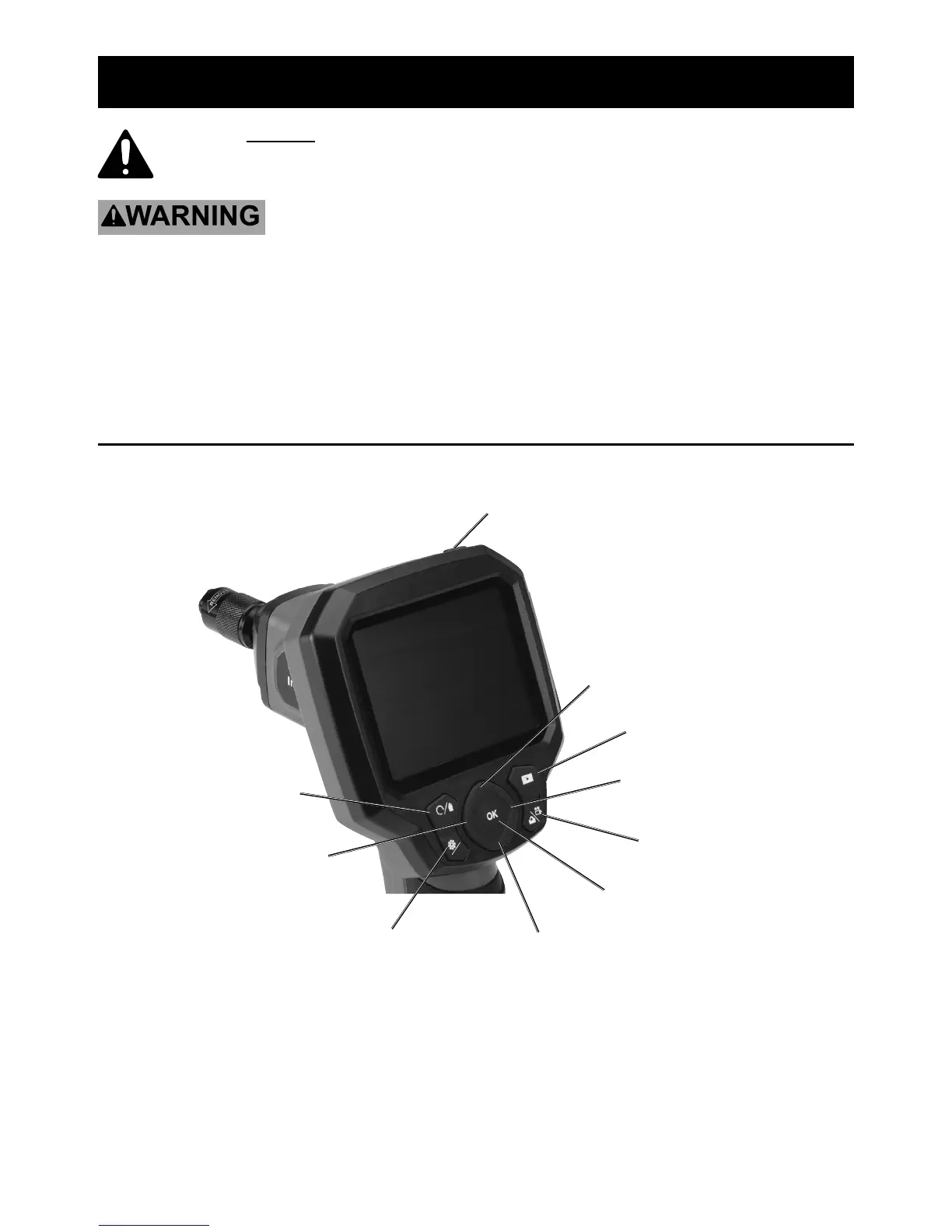
Handheld Display Unit Controls


 To Next Page