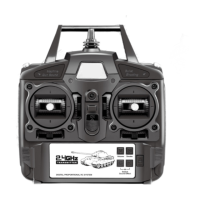
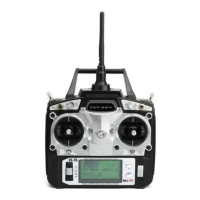
BEDIENUNGSANLEITUNG / INSTRUCTION MANUAL T6
servo for purposeful
operations
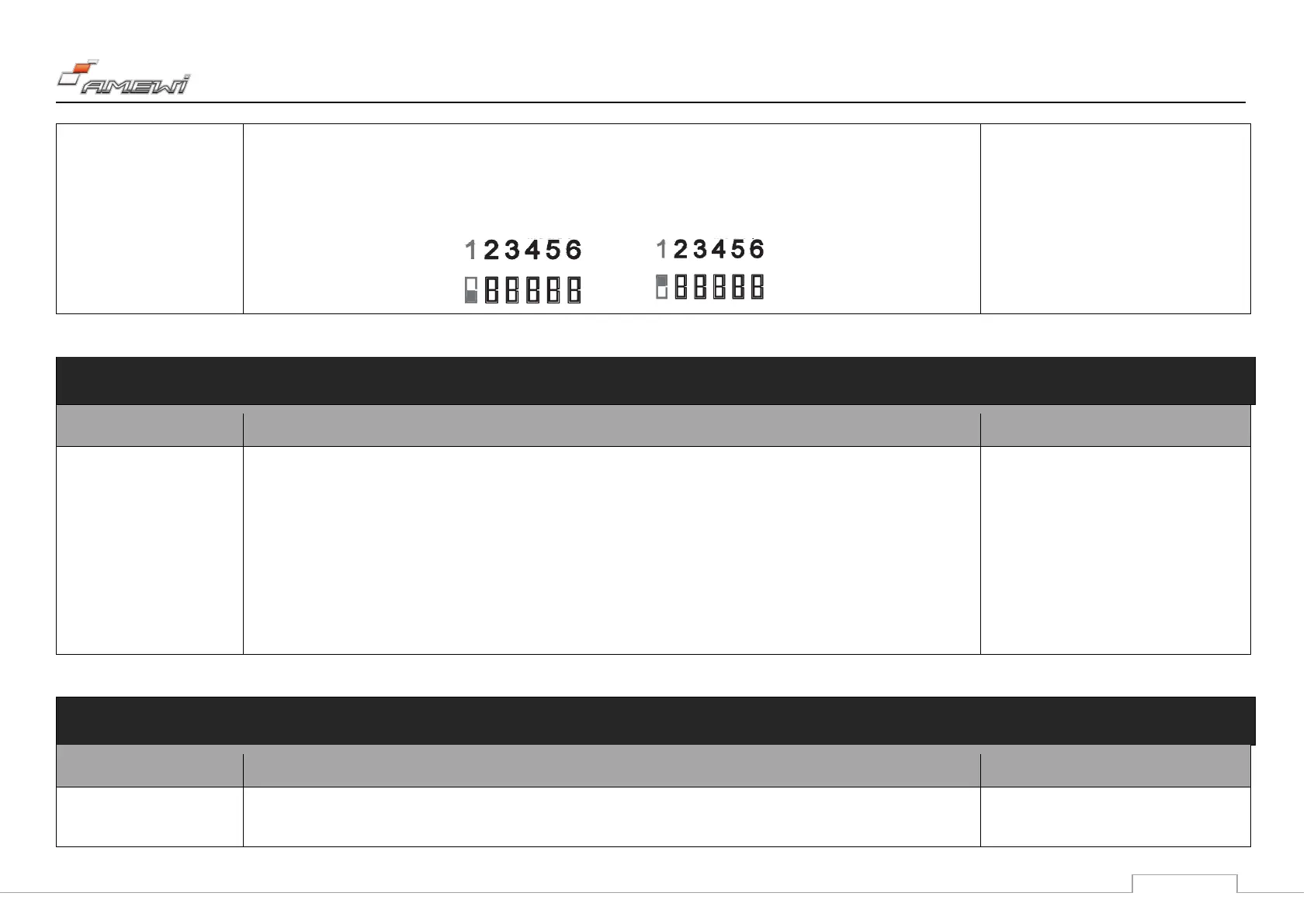
3. Press the MODE button again to select the channel to be adjusted, the corresponding channel number flashes, and
Reverse and other channel numbers stop flashing.
4. Press the up or down button to reverse the icon, press the MODE button to confirm the setting and skip to the next
channel, and press END button to exit the setting.
confirmation key to save the setting result. It
is recommended that the user set it without
the propeller installed on the main motor to
avoid injuries caused by sudden rotating of
the propellers.
Set the amount of rudders for
the three channels of the
aileron in the lifting direction,
and set the required values
for the up, down, left, and
right of the stick. This
function is used to adapt to
the stroke of the servo or
adjust the control feel.
1. power - on status
2. Press the MODE button for one second, it will beep, REVERSE and 123456 will blink.
3. Press the FLIP button until you get to the D/R setting, D/R and 12 4 will blink.
4. Press the MODE button to go to the setting. Channel 1 flashes. Use the lever to select the desired channel. The selected
channel flashes. Use the up or down button to extend or shorten the path.
5. Press the MODE button to confirm and save the setting. Press the END button 2x to exit the setting.
Provide users with joystick
curve adjustment, improve
1. power - on status
2. Press the MODE button for one second, it will beep, REVERSE and 123456 will blink.
The joystick curve index is positive, which
means that the middle of the joystick


 To Next Page
 Loading...