- 11 -
OPERATION
Cooker hood controls
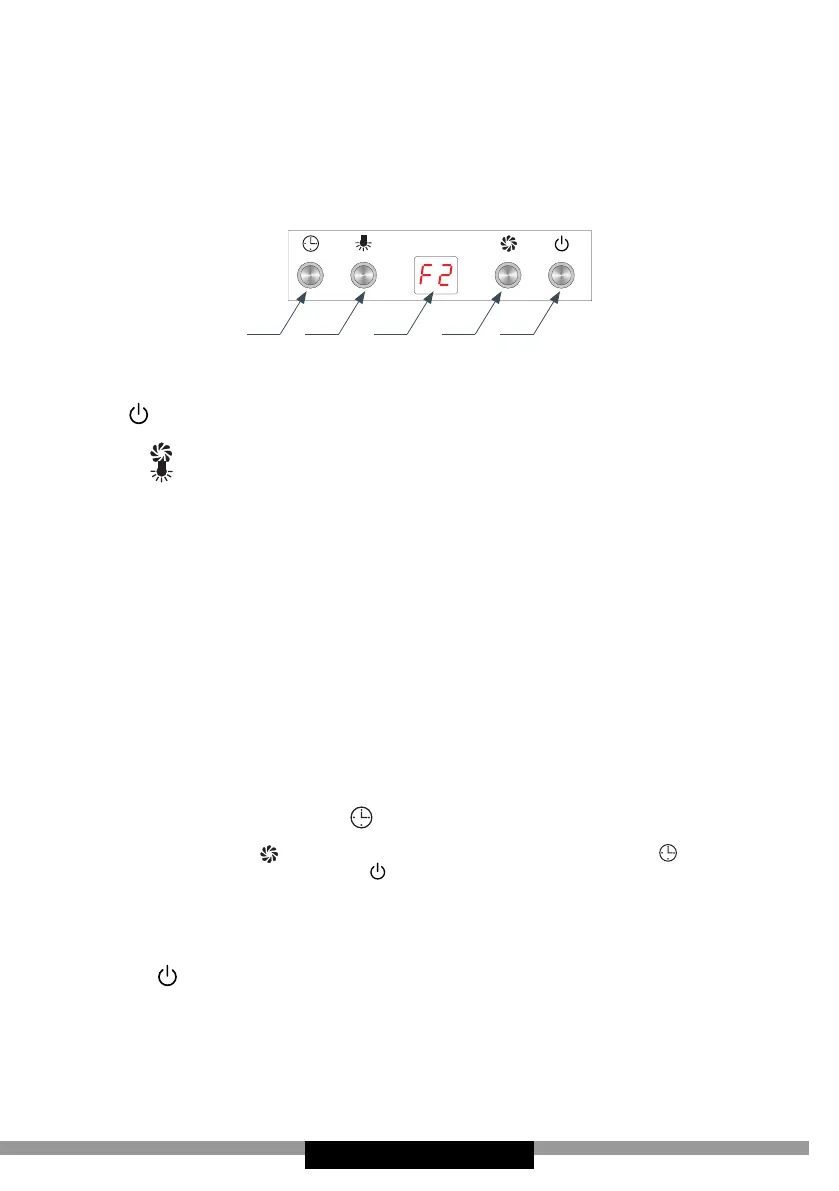
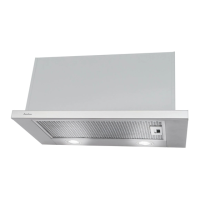
Control Panel is shown in Figure 4, for reference it is also shown below:
5 4 3 2 1
The control panel is equipped with buttons. Control functions are de-
scribed below:
1- Use to activate or deactivate (Standby) the appliance, F0 will be
shown on the display.
2- Touch repeatedly to increase fan speed.
3- Touch to turn light on/o The lighting operates independently of
fan.
4- O-Timer (see below for details).
5- The display indicates the current fan speed or time to turn o the
cooker hood.
Available fan speeds:
• Low speed (F1). Use this speed when cooking a little food with
hardly any fumes.
• Medium speed (F2). Use this speed when cooking multiple dishes at
the same time with moderate amount of fumes.
• High speed (F3)- Use this speed when frying or grilling, with large
amount of fumes.
O-Timer
Use O-Timer to turn o the hood after a specied time. Use O-Timer
to lter the fumes out of the air after cooking. The O-Timer can be set
from 1 to 15 minutes. Touch to activate the O-Timer at any time.
The display will show 15, which is time in minutes remaining until the
fan turns o. Touch repeatedly to adjust the time. Touch to con-
rm the O-Timer time. Touch to cancel the O-Timer. When you use
O-Timer the light turns o.
Note:
• When you touch any sensor you will hear a beep.
• Touch once to turn o the fan.



 To Next Page