09
10
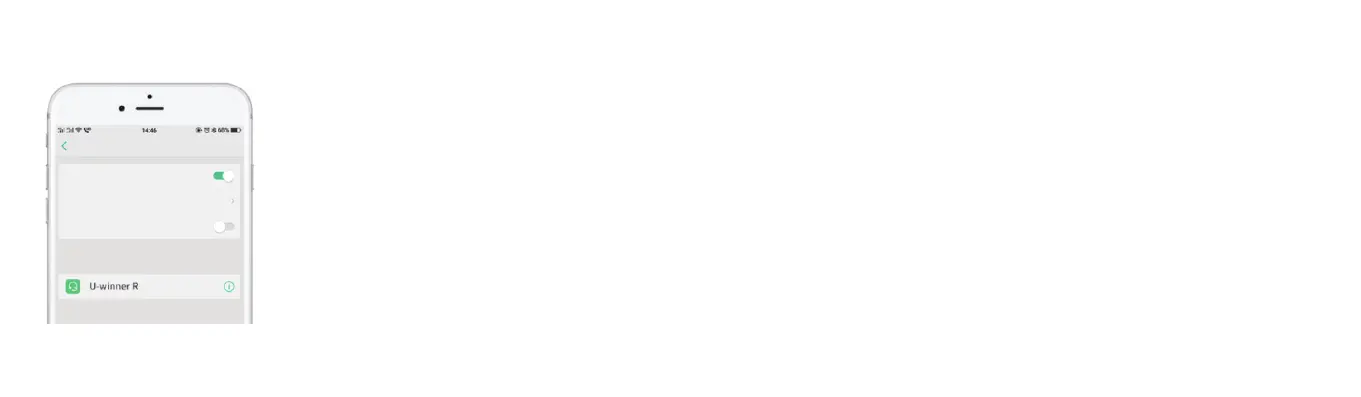
Turn on the Bluetooth of your device; find the " U-
winner R" in the search results; and click to pair the
Headset with the device.
Tip: the headset will remember the device previously it paired
with. If you have paired them before, you only need to turn on the
device’s Bluetooth and the headset (press and hold on the multi-
function button for 3 seconds), they will be automatically
connected without entering into the pairing mode again.
Note: please complete the pairing in 10 minutes, otherwise the
headset will automatically power off so that you will need to
put the headset back to the charging box and then take it out to
power it on.
Paired devices
Blueooth
Turn on Bluetooth
Cell phone name
Open detection
setting
UnpairWhen the headphones need to be used simultaneously for a single ear,
the following operations are needed to unpair them so as to prevent their
automatic interconnection.
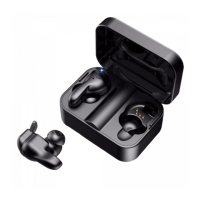
Put the headset into the charging box; press the headset to enter into the charging
state (red light is constantly on); and press the function button three times to
successfully unpair them (the red and blue lights flash simultaneously once).
Unpair


 To Next Page