● [Stamping]: Keep close to a certain area with the RF panel while the device is
outputting micro-current and radio frequency. Move to another area (super grid) after
applying shock for 6s at the hint of a vibration.
When the device is switched off after 1-second vibration, it means that [Deep
Anti-Aging Action] is finished.
*Note:
● The [intelligent mask recognition] indicator will not light up when other brands of
masks are used
● The conductivity, effectiveness and feel of masks of different brands may vary. It is
recommended to use fluid essence mask and avoid oil-based masks such as masks in
the form of lotion/cream
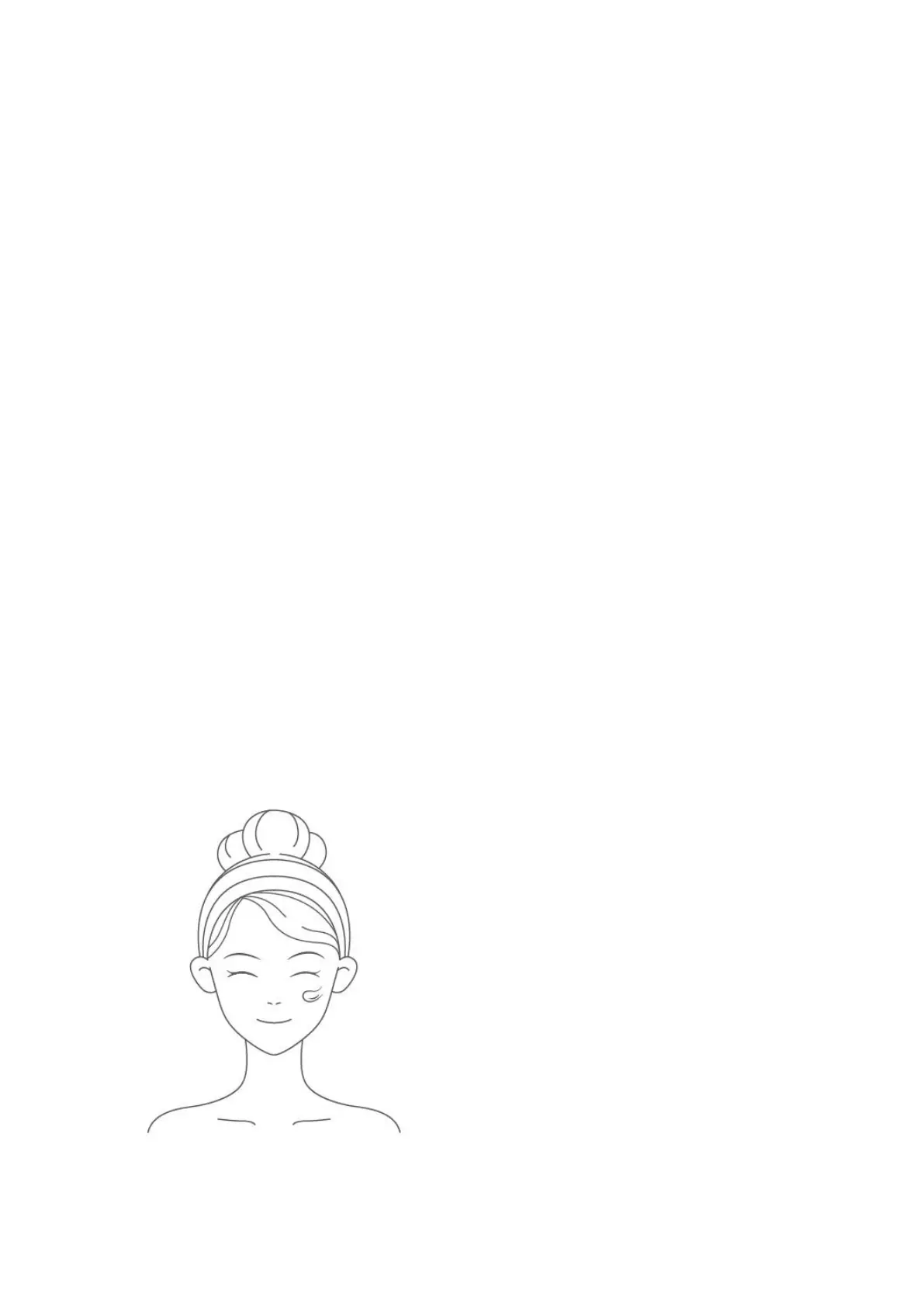
In [Daily Skin Care] mode, it is recommended to start from Level 1
● Keep enough essence on the face and the treatment area moist
● Turn on and select Daily Skin Care mode
● If the device stays in a certain area for > 1.5 seconds, the energy output will be
reduced; energy output of certain intensity will be resumed after the sliding starts
● Move the device to the other cheek at the first hint of vibration and to the forehead
area at the second hint of vibration
● When the device is switched off after 1-second vibration, it means that [Daily Skin
Care] is finished
● Press the [Power/Mode] button to restart and repeat the above steps
Use with gel:
● Squeeze out some gel and apply it to the center of the RF electrode or the face
(When you feel the resistance of the device on face or skin dryness, please replenish
gel promptly)


 To Next Page
 Loading...