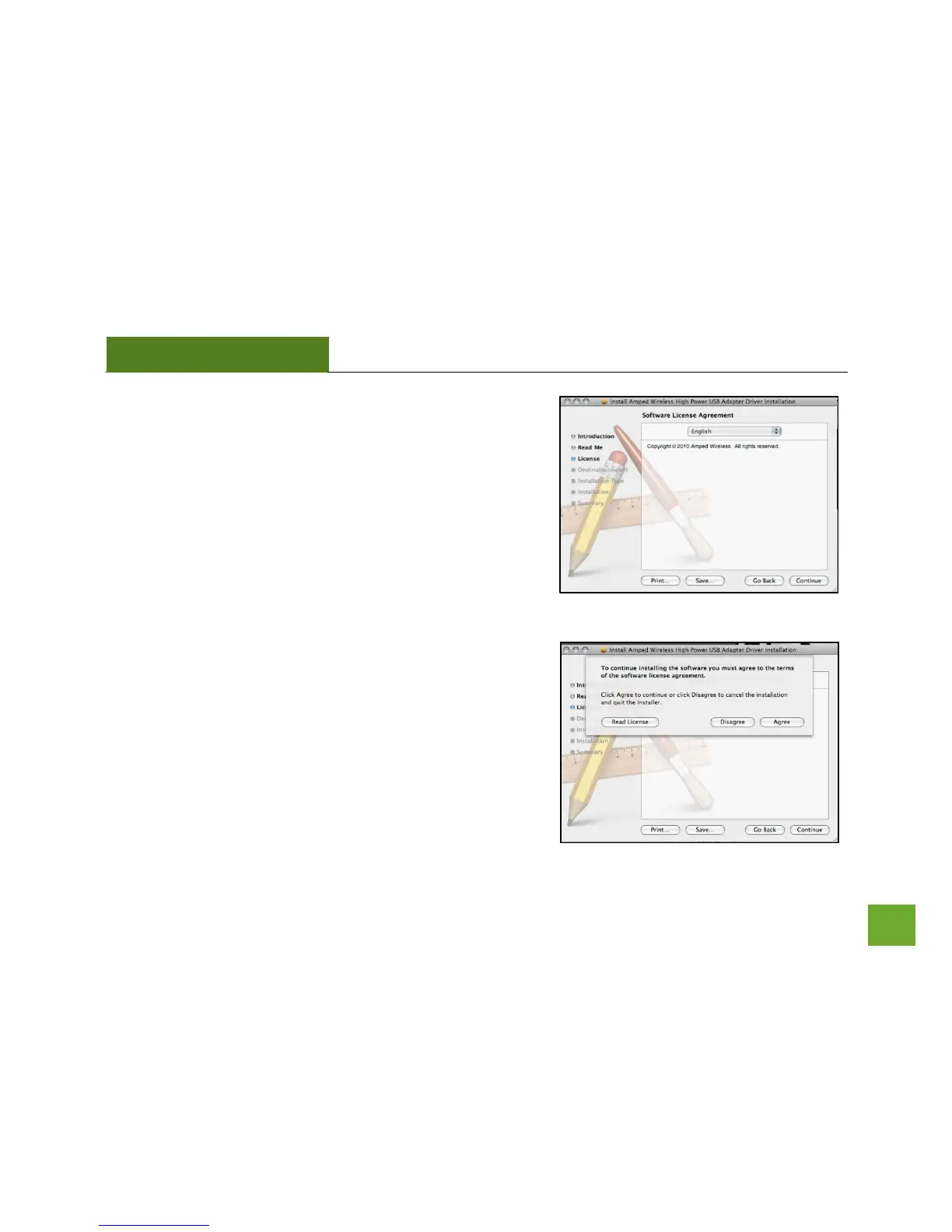
h) Select your Installation Language
Select the language that you wish to continue the installation
in and click Continue.
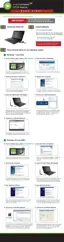
i) Continue the Installation
Click Agree to accept the software license agreement and
proceed with the installation.
Note: If prompted, select the hard drive that you wish to
install the software on and click Continue to proceed.


 To Next Page