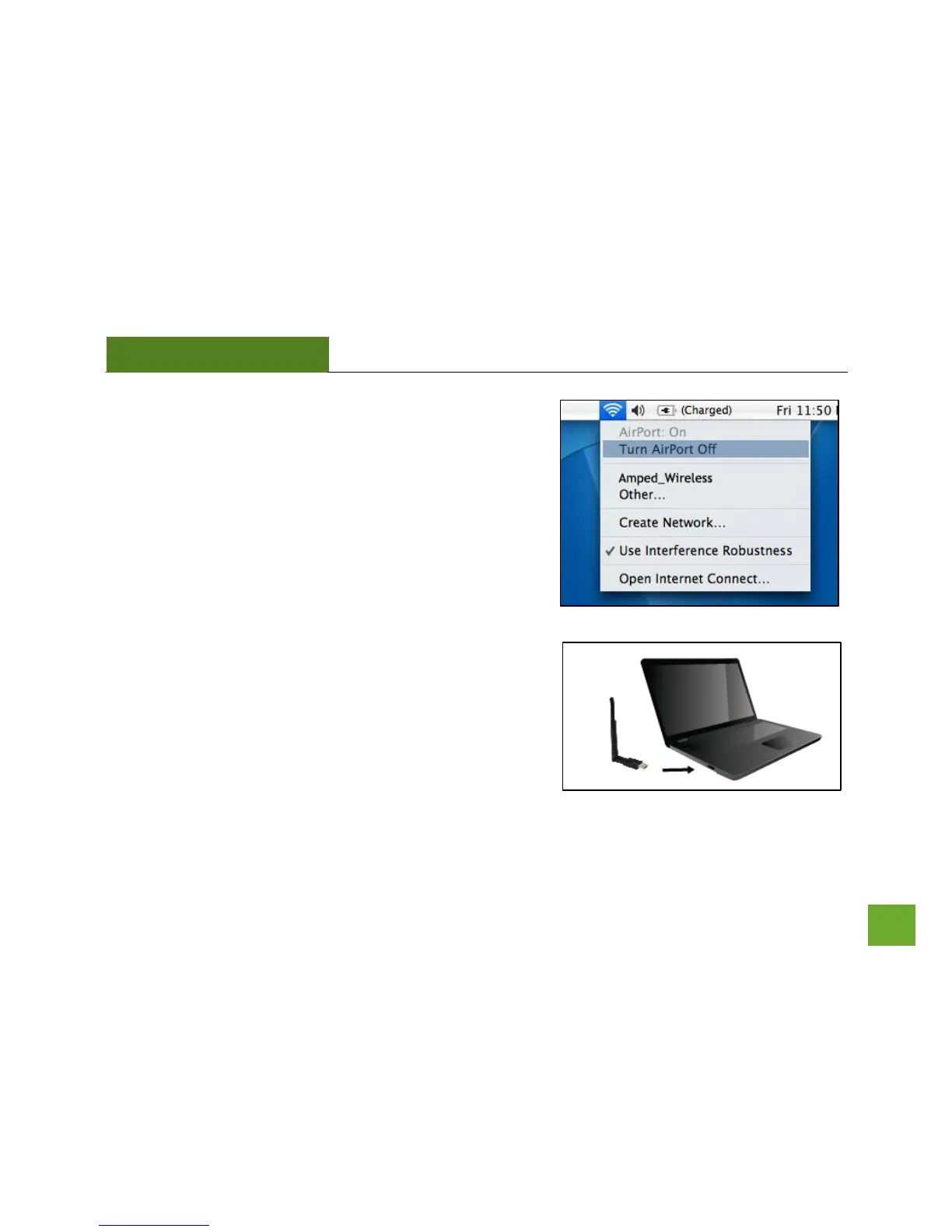
n) Turn off your Airport Card
After the computer reboots, disable any AirPort cards that
may be installed on your Mac by selecting the wireless icon
(upper-right corner) and select Turn AirPort Off. If you do
not have an Airport Card, continue to the next step.
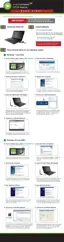
o) Insert the High Power USB Adapter
Once all Airport Cards have been disabled you may insert the
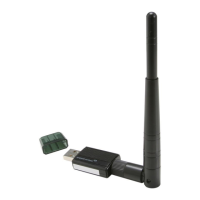
High Power USB Adapter into an available USB port.


 To Next Page