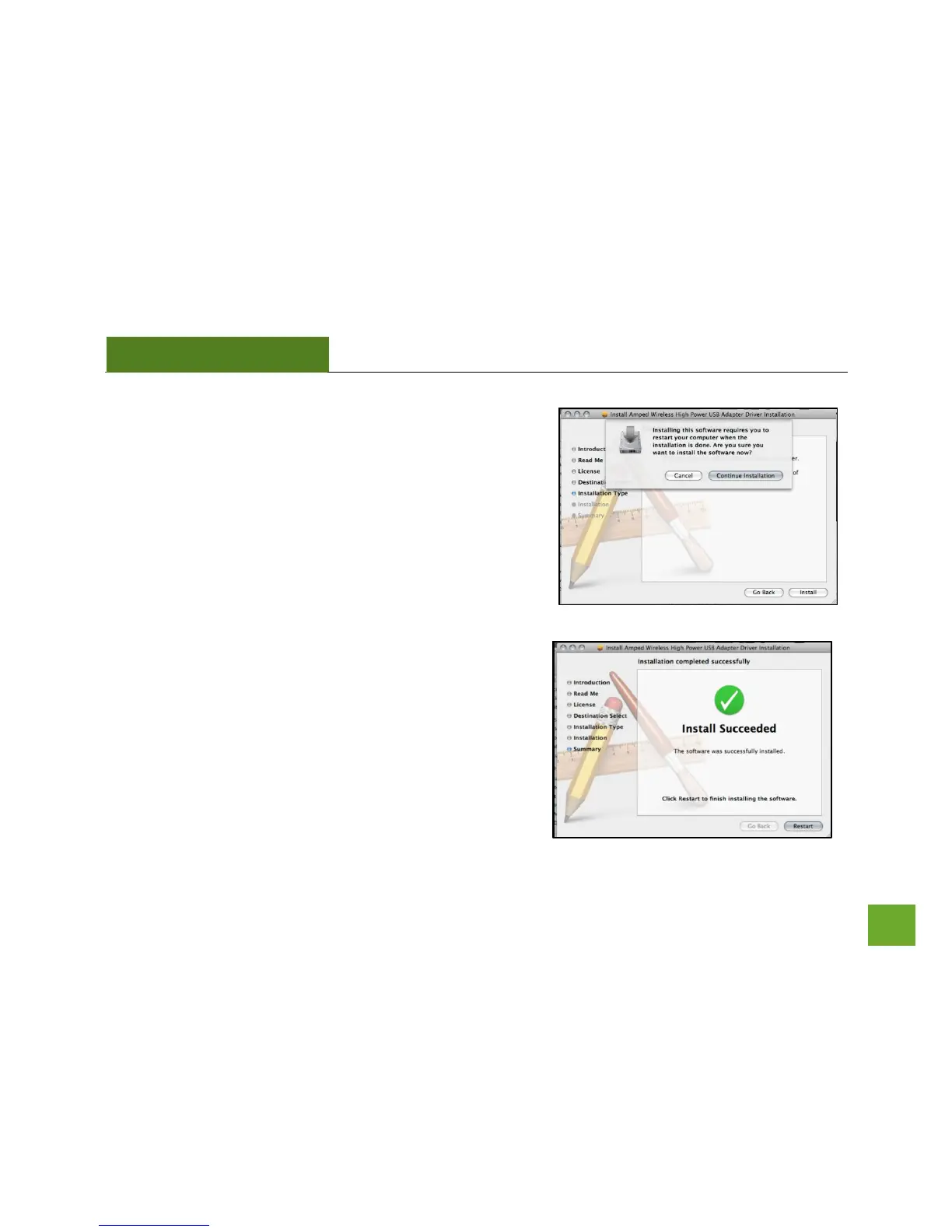
l) Continue the Installation
The installation wizard will notify you that a restart of your
Mac is necessary after the installation completes. Click
Continue Installation to proceed with the installation.
m) Restart your Computer
When the software has finished installing, you will be
prompted to restart your Mac. Click Restart to reboot your
computer.



 To Next Page