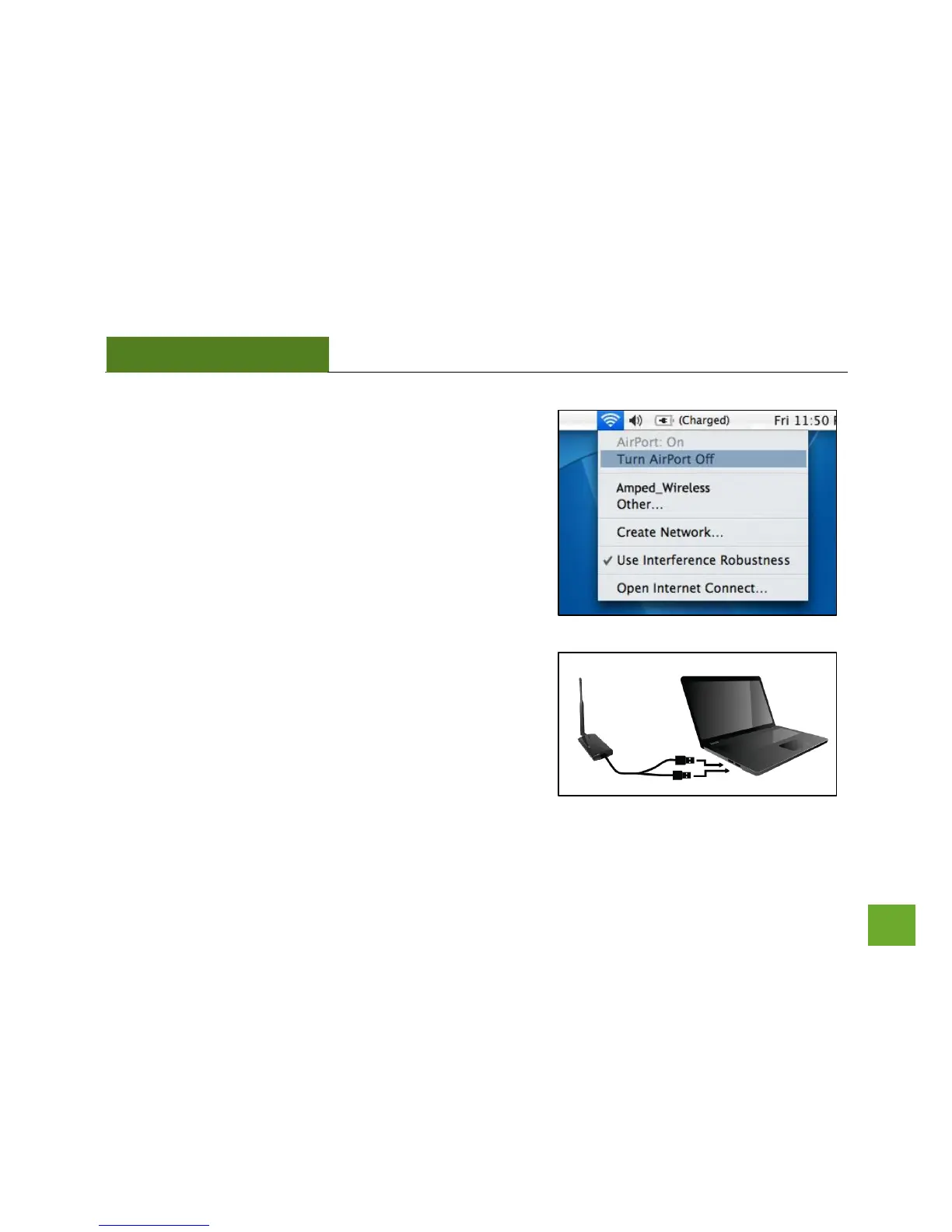
n) Turn off your Airport Card
After the computer reboots, disable any AirPort cards that
may be installed on your Mac by selecting the wireless icon
(upper-right corner) and select Turn AirPort Off. If you do
not have an Airport Card, continue to the next step.
o) Insert the High Power USB Adapter
Once all Airport Cards have been disabled you may insert the
High Power USB Adapter into your USB port. Locate two
available USB ports and connect the adapter to your
computer. If only one USB port is available, only insert the
USB connector labeled Primary.



 To Next Page