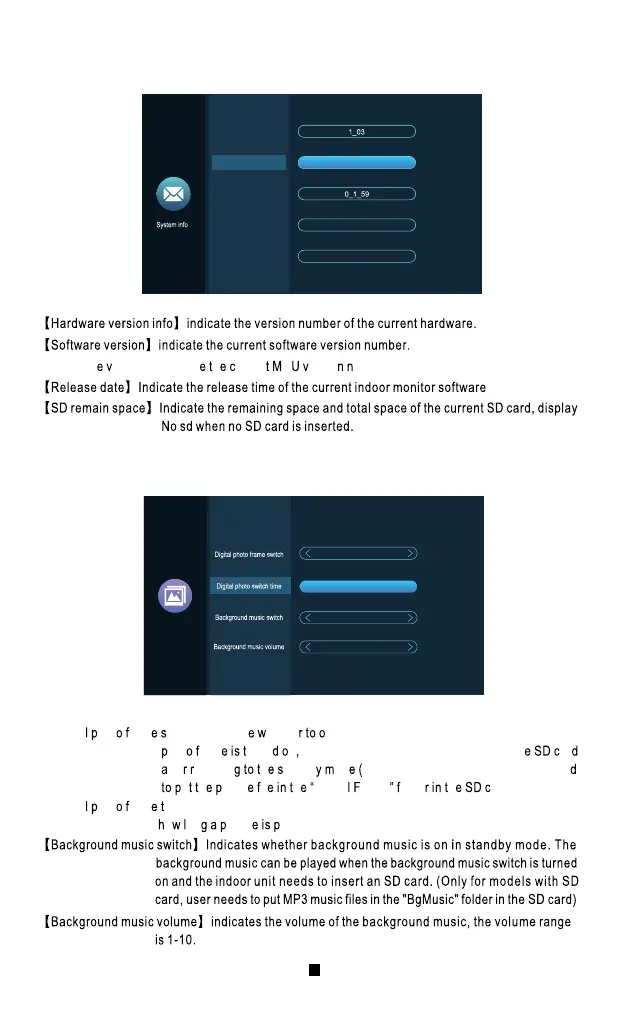
2.4 System Info
2.5 Scenario Setting
【Digita hot ram witch】Indicat hethe pen the digital photo frame. After the digital
hot ram urne n the indoor unit will play the picture in th ar
fte eturnin h tandb od only for models with SD c ard, user nee
u h ictur i l h Digita rame olde h ard).
【Digita hot ram ime】indicate s t he time when the indoor unit is in the digital photo frame state,
o on ictur layed.
【Firmwar
ersion】Indicat h urren C ersio umber.
2019-04-15
No sd
FHD-V0.0.0.24
Hardware version info
Firmware version
Release date
SD remain space
Software version
Of f
Scene setting
6s
O
7
2.6 Advanced Setting
Note hi unctio a nl aptur hoto an’ ecor ideo h LAS apacit bou
MB he h LAS s il ve rit h reviou ecord.
【Cop
ard】Press the setting button to confirm whether it will be copied to the SD card.
lic Yes ploa h lash image to the SD card and the promp o il rompt
o opying fte h op uccessful, the prompt box will be automaticall uit
lic No xi h romp ox.
【Formattin
isk】Press the Setting button to confirm whether t o f ormat SD card. Cli ck “Yes”, the
ndoor monitor wi ll format the SD card and prompt “Formatting•••”. After succes sful,
il romp Forma uccessfully n S ar nserte uccessfully. h
ar ormatte ithou ar h ndoo onitor il romp N
ard”.
【Restar ystem】Afte onfirmin ressin h ettin utton o il rompte estar
th ystem lic Yes estar h ndoo onitor.
Ok
Ok
Ok
Ok
Senior setting
3 Multi-Media
Music
Photo
Movie
Files
19



 To Next Page