3.3 Photos
3.4 Files Manager
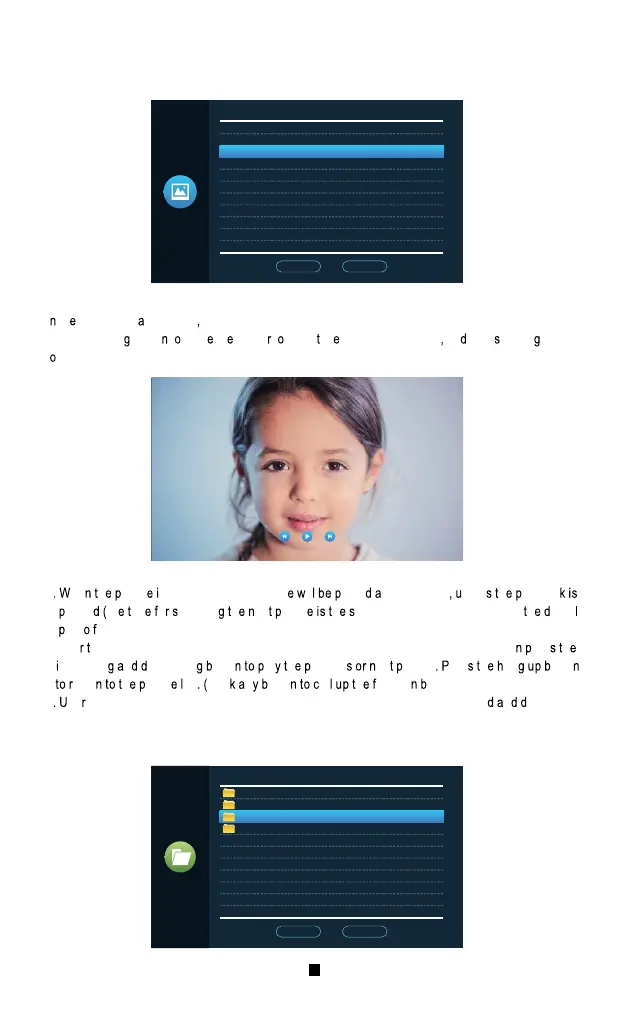
I th multi-medi interface Enter the photos menu to see th e list of photos files , use the increasin g
and decreasin
butto t mov th curso t selec th photo to be played an pres settin button
t
confirm.
1
he h ictur s played, the next pictur il laye utomatically nles h laybac
ause th im o witchin h ex ictur h ame as the time for switching h igita
hot rame).
2.Afte
he function button is called up, press the setting key to stop playback. The res h
ncreasin n ecreasin utto la h r eviou ex icture res h an utto
etur h ictur ist Clic n utto al h unctio utton)
3
se need to put a photo file in the “Digital Frame” folder in this SD card to be foun n isplayed.
1�.jpg
2.j pg
3.j pg
4.j pg
Photo
Media/Photo
Prev_page Next_page
SD
MUS IC
PHO TO
USE R
Files
Media/Files
Prev_page Next_page
23
24
【“DigitalFrame older】Sav h ictur h igita hot rame
【“BgMusic
older】Stor ackgroun usi ile o ndoo nits.
I
h ulti-media interface, click File to see the SD card folder. Enter the SD card to see the
automaticall
reated folder. The autom atically crea ted folders are "Digital Frame" folder B usic
folder
Messag e I mport" folder, " Ring" folder, "DOORBELL" folde this folder is hidden h ndoo
unit nl he lugge nt h ompute a een.)
DCI M
USE R
rin g
Mes sageImp or t
BgM usic
Dig italF rame
wal lpaper
log .txt
MCU _501_ v0_1_39 .b in
Files
Media/Files
Prev_page Next_page
Note h oic il eques p ormat n h il iz M.
Al h ecord h bov ou older a ee h ven enu.
1
tor h ecorde oic il hi older.
2
h il anager in n lic h ile n he utomaticall mpor las eplac h
efaul essag ler one.
【“MessageImport
older】Th essage customization function allows the user to se h ser
efine eav essag ler one.
【“ALAR older】Stor h ecord fte h ndoo ni rigger h larm.
【“CA LL
folder】Stor h al istor h ndoo ni n h utdoo tation.
【“M D” folder】Stor
h otio e tectio ecor utdoo tation.
【“M SG” folder】Stor
h essag ecor h ndoo nit
4 Events
Call record
Motion Detect
Message record
Alarm information


 To Next Page
 Loading...