Making and receiving calls
29
TELEFON IN BETRIEB NEHMEN
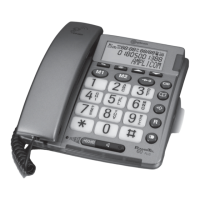
One-touch dialling / Emergency call
You can use the buttons M1 and M2 as one-touch dialling buttons resp. as
memory buttons for an emergency call. This will be quicker and easier than
dialling with the quick dial feature or the phone book.
Storing telephone numbers to the one-touch memory buttons
• Press .
• Enter the telephone number and press .
• Enter the name and press .
• Press or , to assign the telephone number to the respective
button.
Note: The phone numbers assigned to the one-touch dialling buttons cannot
be deleted. When storing new numbers, the existing entries are overwritten.
Helpline UK 0844 800 6503
(See page 39 for costs and hours of operation)
PHONE SETTINGS


 To Next Page