EasyManua.ls Logo

Amrobt SI-350 - User Manual

Amrobt SI-350
32 pages
Print Icon
To Next Page IconTo Next Page
Loading...
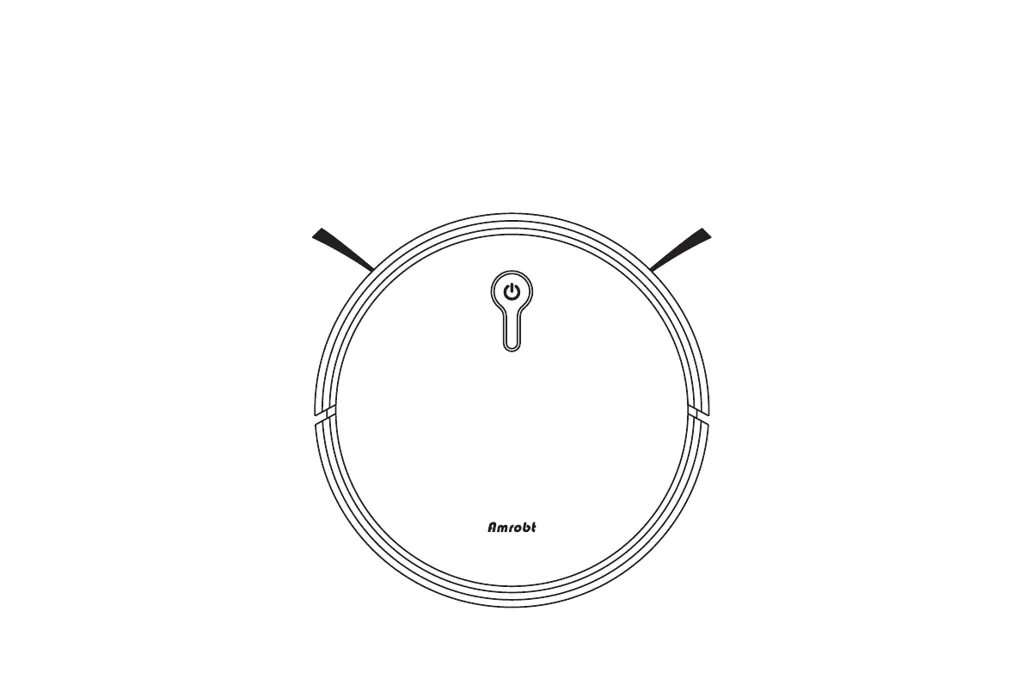
Amrobt Sweeping Robot
Product Manual

Questions and Answers

  • A
    Audrey BuchananAug 19, 2025
    Why is the suction power weak on my Amrobt SI-350 Blower?
    • D
      Daniel OrtizAug 19, 2025
      If your Amrobt Blower has weak suction power, here's what you can do: * Check for any blockages at the suction inlet. * Empty the dust collector. * Clean the filters using a vacuum cleaner or a cleaning brush. * Ensure the filters aren't wet from water or other liquids on the floor. If they are, air-dry them completely before putting them back.
  • J
    James WilsonAug 21, 2025
    What to do if my Amrobt SI-350 does not work?
    • M
      Matthew OwensAug 21, 2025
      If your Amrobt Blower isn't working, try these steps: * First, make sure the power switch is turned on. * Next, check the battery level and charge the blower. If it's fully charged, try again.
  • J
    Jaclyn KingAug 23, 2025
    How to fix Amrobt SI-350 Blower remote control that does not work?
    • P
      pamelasilvaAug 23, 2025
      If the remote control for your Amrobt Blower isn't working, try these solutions: * Check the batteries in the remote control and replace them if needed. * Ensure the signal sensor on the robot is clean.
  • B
    Brian CastilloAug 26, 2025
    What to do if my Amrobt SI-350 does not recharge automatically?
    • C
      charlesorozcoAug 26, 2025
      If your Amrobt Blower isn't recharging automatically, consider the following: * Ensure the charging station's indicator light is on. * Check for any obstacles between the robot and the charging station. * If the battery is low, use the adapter to charge the robot.
  • B
    Brandon MyersAug 28, 2025
    How to activate Amrobt Blower?
    • M
      Megan TranAug 28, 2025
      If your Amrobt Blower won't activate, try the following: * Ensure the main power switch is in the ON position. * Make sure the battery is fully charged. * Replace the batteries (2 AAA) in the remote control. * Ensure the remote control is within 16 ft/5 m of the Amrobt. * If problems persist, turn the main power switch off and then back on.
  • M
    Michael MayAug 30, 2025
    Why does my Amrobt Blower stop working suddenly?
    • J
      jessicaromeroAug 30, 2025
      If your Amrobt Blower suddenly stops working, here are some things to check: * See if the Amrobt is trapped or stuck on something. * Check the battery level to see if it's too low. * If it still doesn't work, turn off the main power switch, wait 2 seconds, and turn it back on.
  • K
    Karen WhiteSep 1, 2025
    Why my Amrobt Blower cannot be charged?
    • K
      Kevin GarciaSep 1, 2025
      If your Amrobt Blower isn't charging, try these steps: * Verify that the indicator light on the Charging Base is lit. * Wipe the charging contact pins with a dry cloth. * Listen for a “Ding Dong” sound when the Amrobt docks onto the Charging Base.
  • J
    John KimSep 3, 2025
    What to do if the remote control for my Amrobt SI-350 Blower does not work?
    • C
      Curtis WalkerSep 3, 2025
      If the remote control for your Amrobt Blower isn't functioning, try these steps: * Replace the batteries in the remote control. * Ensure that the Amrobt is turned on and fully charged.
  • C
    Carrie CollierSep 5, 2025
    Why you cannot schedule cleanings on Amrobt SI-350 Blower?
    • C
      Charles HarrisSep 6, 2025
      If you're unable to schedule cleanings with your Amrobt Blower, check the following: * Ensure the main power switch on the bottom of the Amrobt is turned on. * Verify that the time, time of day (AM/PM), and the scheduled time have been set correctly. * Check if the Amrobt's power is too low to start cleaning.
  • V
    vodomSep 8, 2025
    What to do if the rolling brush on Amrobt Blower does not rotate?
    • P
      Patrick CareySep 8, 2025
      If the rolling brush on your Amrobt Blower isn't rotating, try these solutions: * Clean the rolling brush. * Check to make sure the rolling brush and brush guard are installed correctly.

Summary

Important Safety Information

Use Restrictions

Details on where and how the robot should not be used, including environment and object restrictions.

Battery and Charging Safety

Guidelines and precautions for charging and handling the robot's battery.

Operating and Programming Your Robot

Quick Start Guide

Step-by-step guide for initial setup and getting the robot ready for use.

App Connectivity Guide

Steps to connect the robot to a smartphone app for control and monitoring.

Robot Maintenance and Care

Battery Information and Handling

Important info regarding lithium-ion batteries, charging, storage, and disposal.

Troubleshooting Common Issues

Robot Movement Problems

Solutions for when the robot moves backward or fails to operate.

Charging and Power Issues

Guidance for issues with automatic recharging and overall charging.

Amrobt SI-350 Specifications

General IconGeneral
BrandAmrobt
ModelSI-350
CategoryBlower
LanguageEnglish