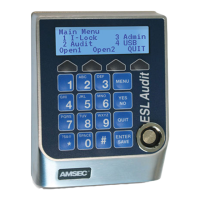
Log In
First Time Log In with PIN / Key
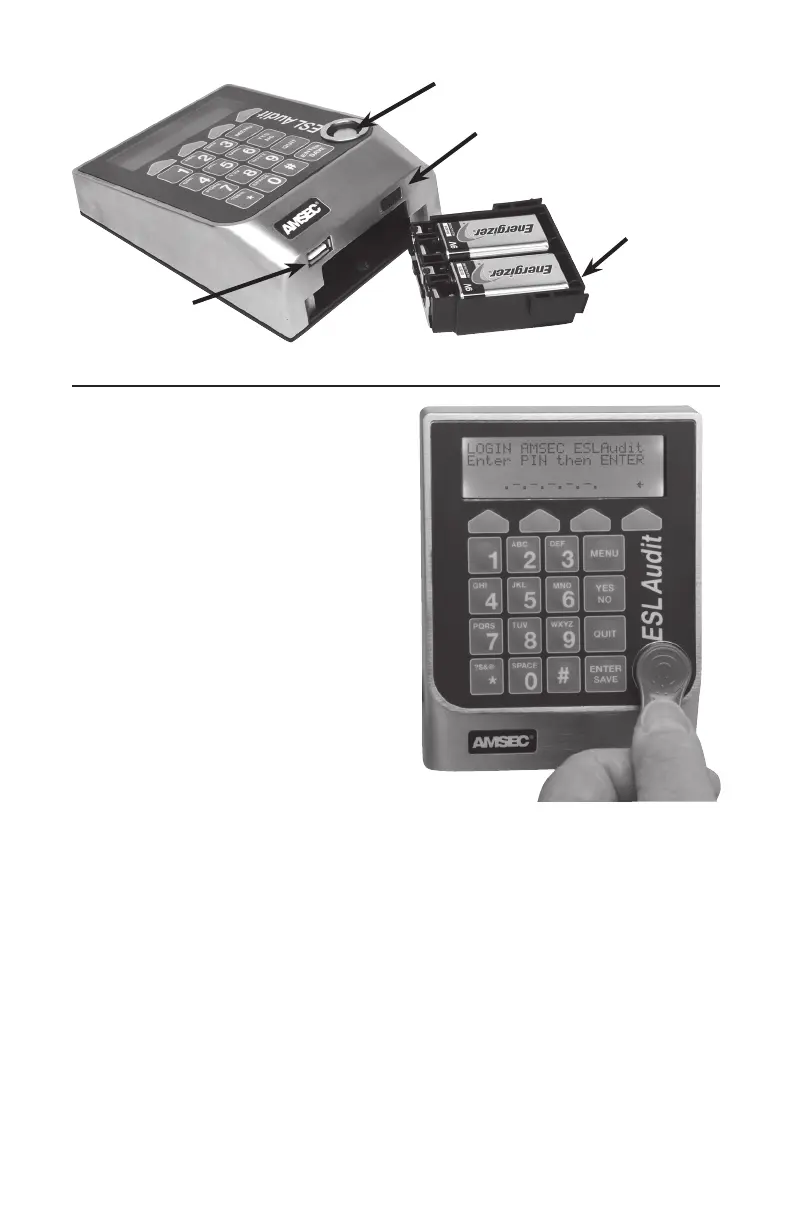
1. PresentKeytothereaderport.
2. EnterTemp.PIN1,1,1,1,1,
Press Enter/Save.
3. Screenwilldisplay“PINChange-Enter
NewPIN”.
Enter6digits.PressENTER/Save.
4. Screenwilldisplay“PinChangeRepeat
NewPIN”.
Entersame6digits.PressENTER/SAVE.
5. Screenwilldisplay“PINCodeChanged”
andwilldisplaytheMainMenu.
First Time Log In with PIN Only
1. StartbyenteringtheUser2digitID
numberthentheTemporaryPIN
1,1,1,1,1,1,PressENTER/SAVE.
2. Screenwilldisplay“PINChange-Enter
NewPIN”.
Enter6digits.PressENTER/SAVE.
3. Screenwilldisplay“PinChangeRepeatNewPIN”.
Entersame6digits.PressENTER/SAVE.
4. Screenwilldisplay“PINCodeChanged”andwilldisplaytheMainMenu.
Log In with PIN / Key
1. PresentKeytothereaderport.
2. EnterPIN.
3. PressENTER/SAVE.
See Open Door information
Log In with PIN Only- Start with 2-digit ID number
1. EnterPIN.
2. PressENTER/SAVE.
See Open Door information
On/O Switch
Battery
Compartment
USB Port
Reader Port


 To Next Page
 Loading...