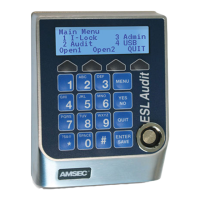
Open Door
Note: If Door #2 is behind Door #1,
select Open Door #2. Door #1 will
release, open Door #1. Then Door
#2 will release, open Door #2.
Without Time Delay
1. Login.
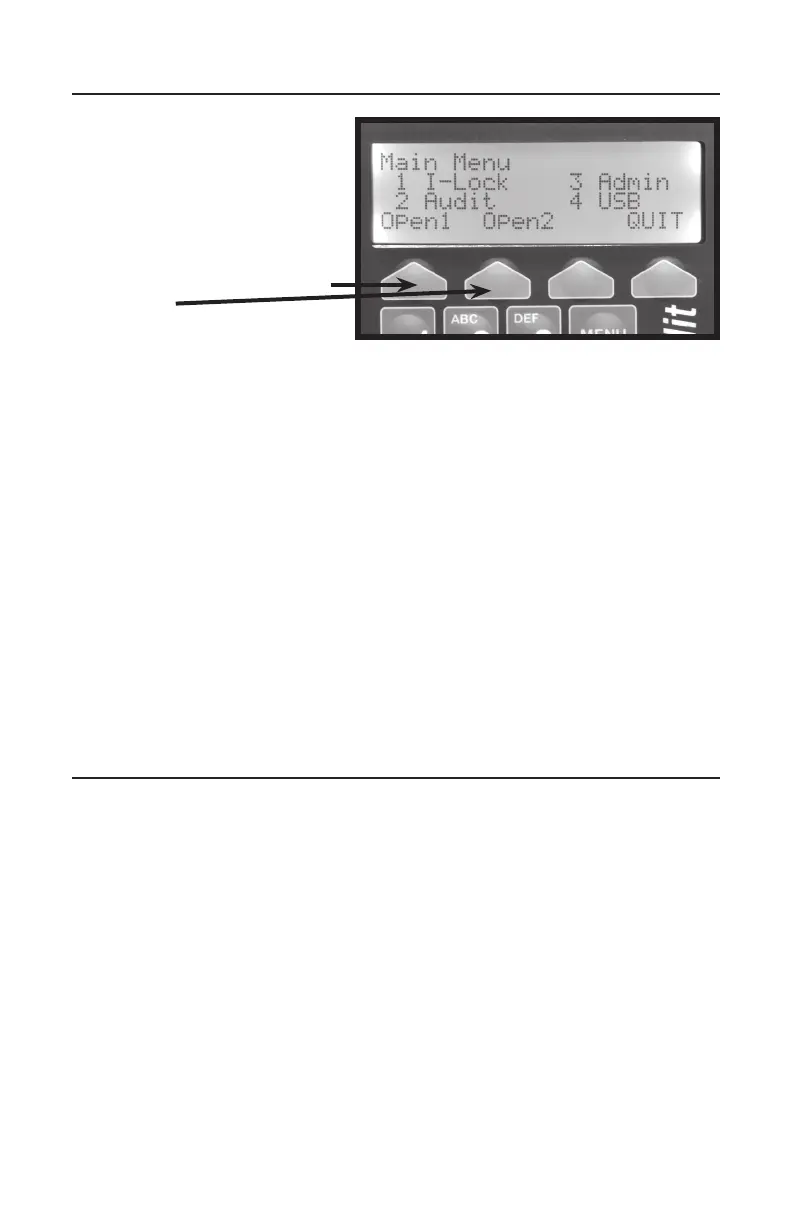
2.Pressthe“greysoft-key”located
belowthedisplay“Open1”or
“Open2”.
3.Afteryouhearaclick,openthe
doorwithin4seconds.
With Time Delay
1. Login.
2. Pressthe“greysoft-key”locatedbelowthedisplayOpen1orOpen2.
3. WaitfortheTimeDelaycountertoreachthepresetvaluecountingup.
4. Thescreenwilldisplay“LogintoOpen”withacountdownofthetimetoLogin
again.
5. Thescreenwilldisplay“AccessGrantedDoor#-TurnHandle”.
Open Door with TimeLock
1. Login.
2. SelectOpenDoor#.
3. Screendisplays“Door#TimeLocked!AccessDenied”.
4. HaveArmorCar/Courierpresenttheirelectronickey.
5. OpenDoor.
Changing PIN
1. Login.
2. Press 3 -Admin.
3. Press1-PINChg.
4. Enternew6-digitPIN.
5. Press“greysoft-key”underOK.
6. Re-enterthesame6-digitstoconrm.
7. Press“greysoft-key”underOKtoacceptthechange.


 To Next Page
 Loading...