temperature. and press "ENTER"
2, Heating cycle: Just gentle heating mode need choose heating cycle
3.6 For example:
a. sample:water
b. Press the "MENU" to enter the parameter setting mode, choose the (
),temperature:120℃,Press "ENTER" go to weighing state
c. Put a dry paper on the pan, and press "Tare" clean the weight.
Put on the 3g water on the paper, until the readability stable.
Press" START / STOP " begin test.
Waiting for it stop. look the result. The m% will be 100%.
Weighing error or sample weight deficiency can lead to the result of the test
a deviation
3.7 Calibration
When the instrument error or improper operate. Calibration weights can be adjusted
with accuracy.
Press "Reset" key and does not release until it display“-cal-”,
Then flashing “100.000”, put on the calibration weight, then it will display "= = = = = =",
until it display “100.000” remove the weight, it will display "= = = = = = "again, Waiting
it show" 0.000 ", the calibration is completed.
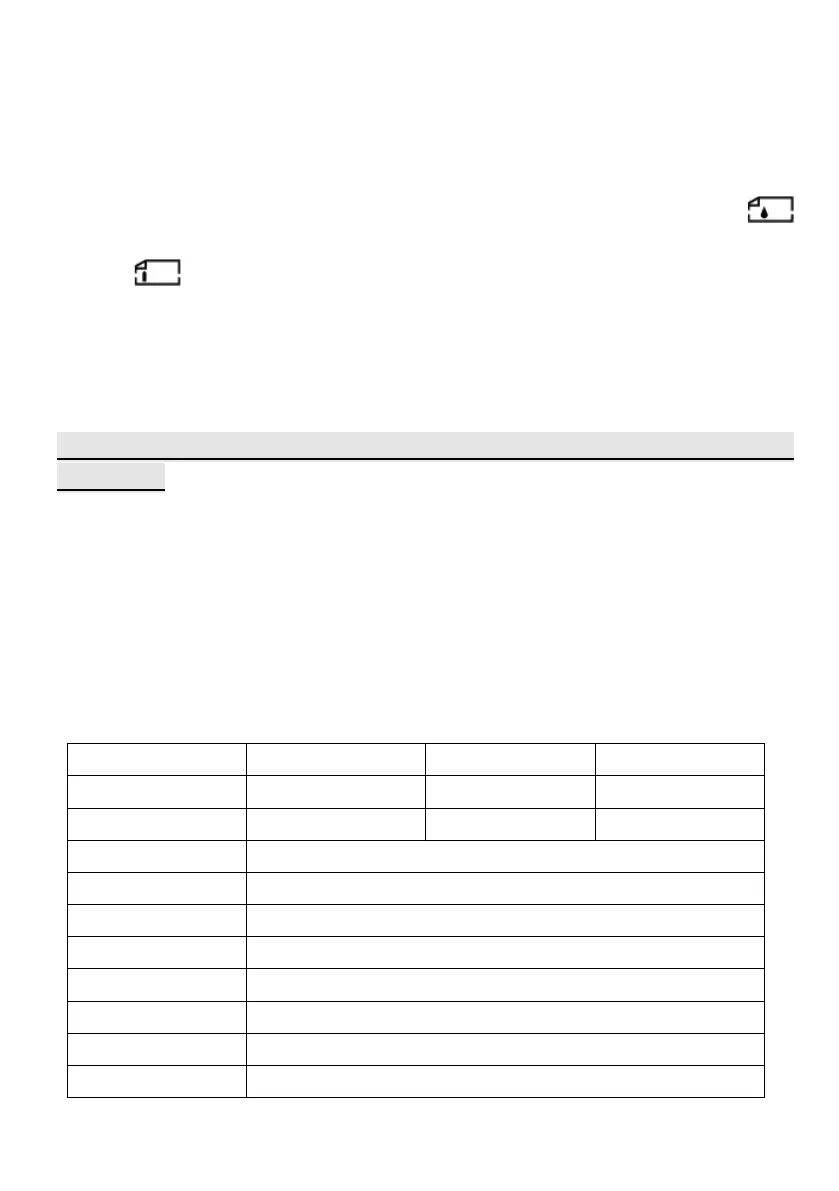
IV Technical Parameters
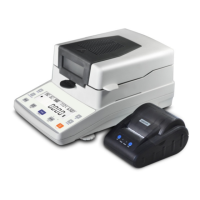
Model MB65 MB66 MB67
Specification 110g/5mg 110g/2mg 110g/1mg
Readability 5mg 2mg 1mg
Tray size
Heating Mode Halogen Lamp
Display LCD
Temp. Setting 40℃~199℃
Time Setting 1~99
minutes
ATRO 100%~999%
ATRO 0%~999%
Data Storage 15 groups
6


 To Next Page
 Loading...