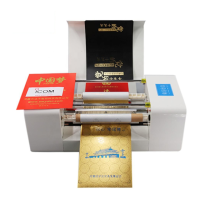
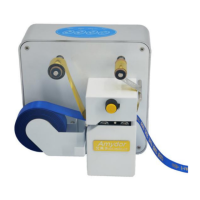
Notice: If ribbon jammed, first switch off
the power, then pull it manually.
Printer Driver Settings Instructions
:
Paper Specification: Paper size must be same with page size in CorelDraw,
Printing Concentration: Printing Color Depth.
Printing speed: Adjusting different speed according to printing demand.
Edge Enhancement: Increase the temperature of print content contour.
Edge Strengthen Length: Increase the width of print contour temperature.
Printing head - maintenance:
Do not print on rough materials such as wood, glass, metal etc.
which may damage printing head.
Clean printing head regularly with alcohol by cotton swab or
tissue.


 To Next Page