III. Operating Guide
1. Prepare work
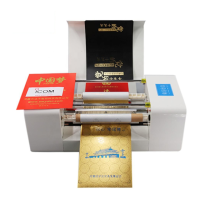
(1) Install the foil and ribbon roll ( Please check video of machine installation )
(2) Switching on power and connect printer with computer by USB cable. (Pls check video)
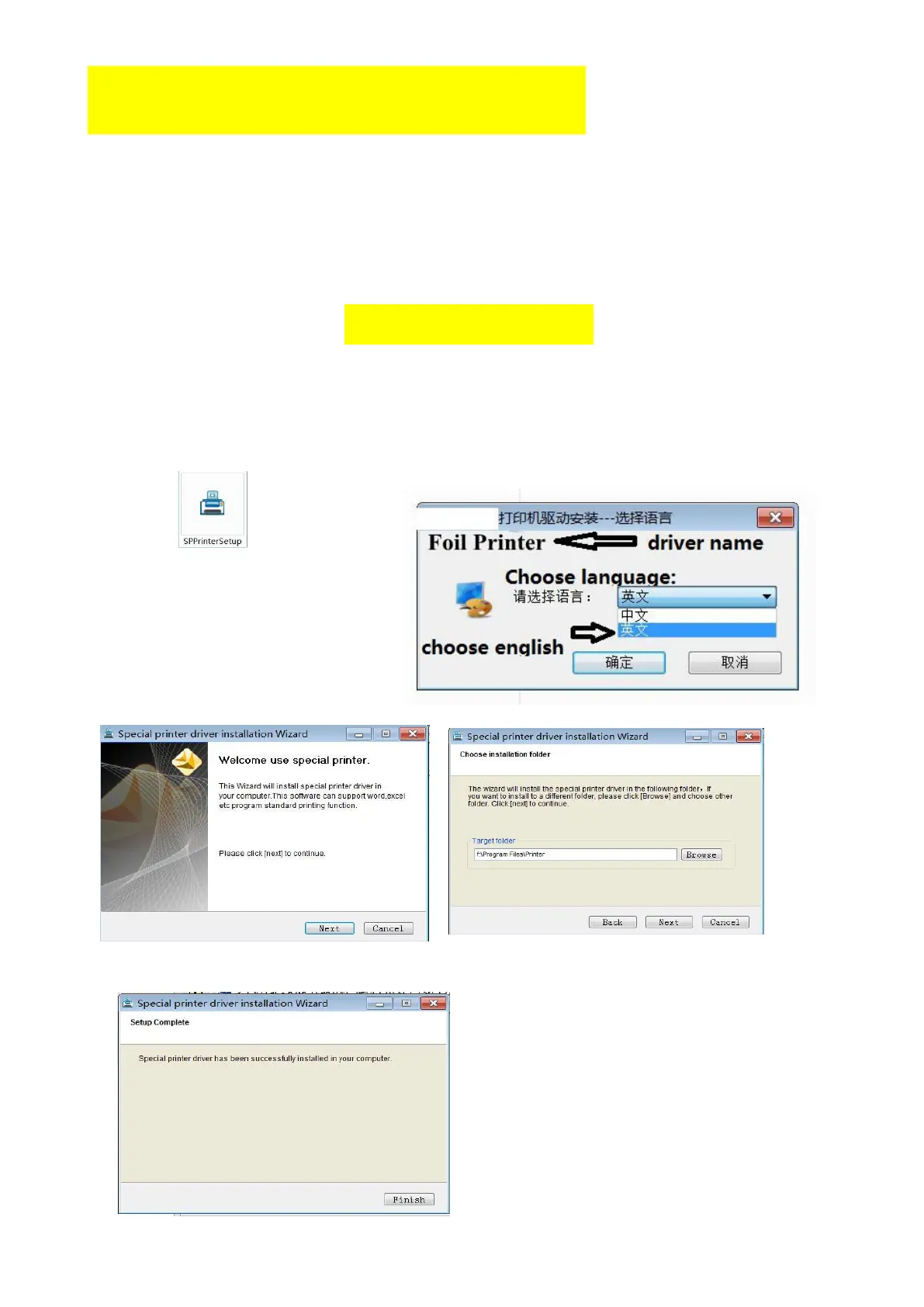
2. Driver installation ( driver name: Foil Printer)
Install printer driver on computer, suitable for Windows XP, Win 7, Win 8, Win 10, close the
antivirus software temporarily will be helpful to install driver successfully. Switching on power and
connect printer with computer by USB cable. Take a Windows XP system computer as an example:
(1) Find the printer driver progress on the U disk, double-click to start installing interface as follow:
(2) Choose language: Chinese or English
(3)Click the next, and it show as below:
(4)Setup complete


 To Next Page