-- Press three times to enter CALL TONE Setting mode, press
or to set the call tone.
-- Press four times to enter VOX Sensitivity Setting mode,
press or to set the VOX sensitivity.
-- Press five times to enter RF SCAN mode, press or
to set RF scan function ON or OFF.
-- Press six times to enter KEY LOCK mode, press or
to set key lock function ON or OFF.
-- Press seven times to enter MONITOR mode, press or
to set volume high or low.
-- Press eight times to exit the menu mode. It will be
automatically exited the menu mode, if you have not
pressed any key for several seconds when you in any mode.
4. Microphone
5. Neck Strap Hold (Neck Strap Included)
P
6. LCD
7/8. / Key
• Increase/decrease volume (volume level flashes and v
displays)
• In menu mode, increase/decrease channe/CTCSS code/call
tone (channel/CTCSS code/call tone number flashes) or toggle
selection Y/N
9. Ear Phone Jack
10. Plug-in Charging Jack (Charger Included with NiMH
Rechargeable Battery Packs)
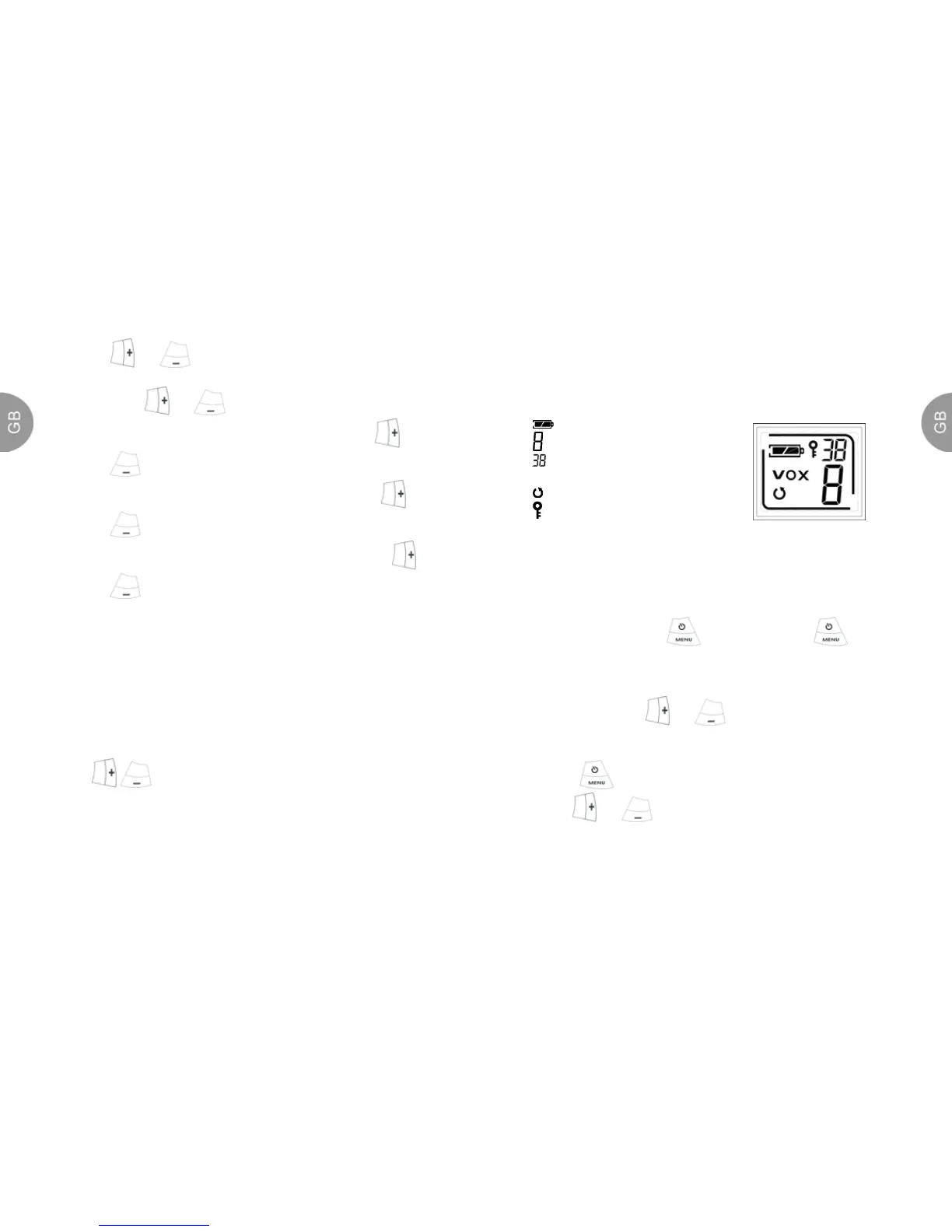
Battery meter
Channel display digit
Interference Eliminator
Code (CTCSS)
Scanning
Keypad locked
VOX VOX function
Turning Your Radio On And Off
To turn on, press and hold key. Press and hold key
until the display blank to turn off the radio.
Volume
When power up, press or key to adjust your volume.
Select Channel
1. Press key. The channel number will begin to flash.
2. Use or key to change the channel.
3. Press PTT key to set the new channel.
2
3



 To Next Page
 Loading...