EasyManua.ls Logo

Anaconda DUNE 4WD - User Manual

Anaconda DUNE 4WD
11 pages
Print Icon
To Next Page IconTo Next Page
Loading...
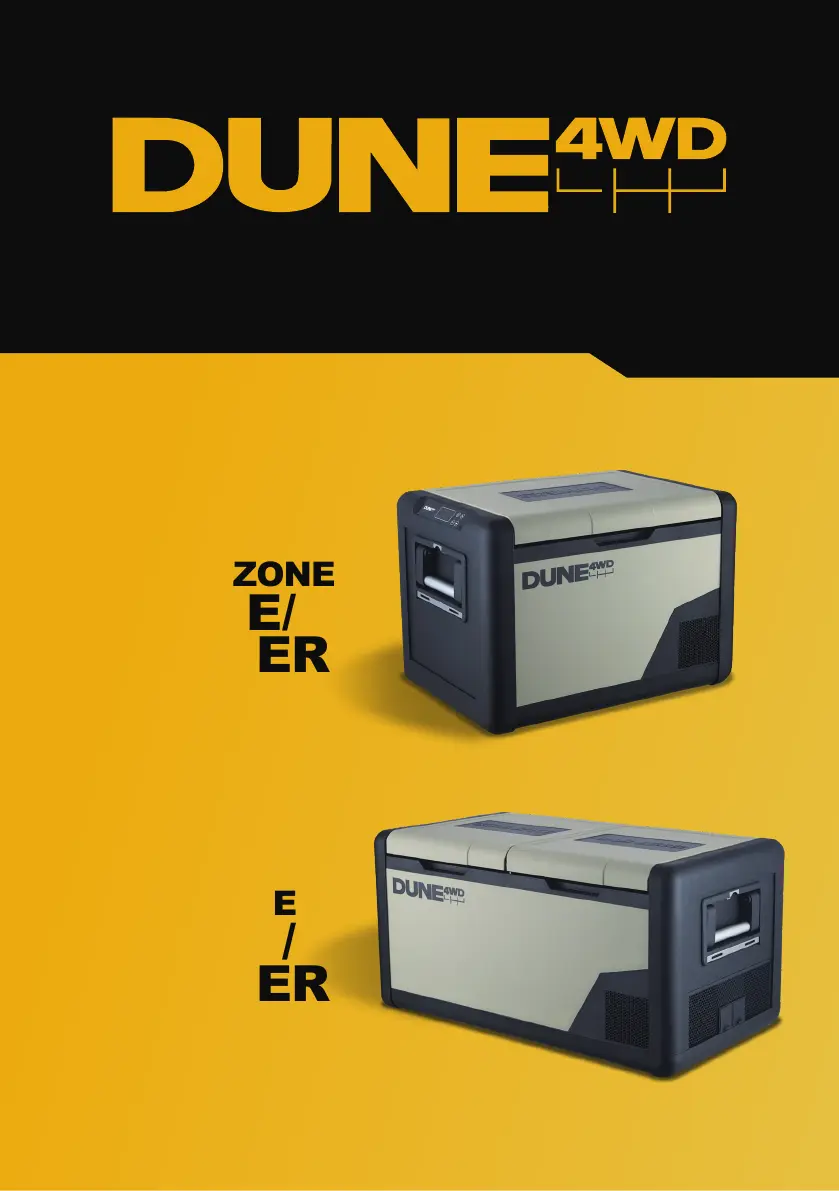
FRIDGE/
FREEZER
DUAL ZONE
FRIDGE/
FREEZER
SINGLE ZONE
PRODUCT MANUAL

Questions and Answers

  • R
    Randall EdwardsAug 3, 2025
    What to do if my Anaconda DUNE 4WD Power Pack has charge but isn't charging my device?
    • L
      Laurie WoodsAug 3, 2025
      Ensure that the power output from the port you're using is compatible with your device's DC 9V/3A power input requirements. Also, make sure the total power output across all ports doesn't exceed 180W. When the cigarette socket is drawing maximum power, it's best to avoid using the DC5521 and USB port. If you're using wireless charging, check that it's enabled by looking at the wireless charging indicator and pressing the power button to activate it.
  • J
    Jennifer PerezAug 7, 2025
    Why is my Anaconda DUNE 4WD Power Pack not recharging or recharging slowly?
    • E
      Eric MannAug 7, 2025
      If you're charging your Anaconda Power Pack via a 240V AC adapter, ensure you're using the one supplied with the device. If charging via USB-C, check the USB-C cable for any issues and confirm that the power source meets the power input requirements specified in the Technical Data for the Battery Cell Capacity 6Ah/19.2Wh @3.2V DC power pack. If you are using a solar panel, check the cable and ensure the panel is in adequate sunlight and that its power output matches the power pack's input requirements, as detailed in the Technical Data.
  • O
    odomjamesAug 12, 2025
    What to do if Anaconda Refrigerator shows Overheat Warning?
    • J
      Jessica CarrilloAug 12, 2025
      If your Anaconda Refrigerator shows an overheat warning, first ensure that the vents are not blocked, allowing at least 100mm of space around the compressor vents for proper ventilation. Wipe down the compressor vents to improve air circulation. Also, check that the ambient temperature is within the recommended operating range for the device. If the issue continues, contact Anaconda to arrange for an approved servicing agent repair.
  • C
    coopervernonAug 16, 2025
    Why Anaconda Refrigerator compressor won't start?
    • J
      jason98Aug 16, 2025
      If your Anaconda Refrigerator's compressor isn't starting, try these steps: First, unplug the refrigerator for 10 minutes. Then, test with a different power source, such as a power station, vehicle battery, or 240V AC. If changing the power source resolves the issue, investigate the original power source. If the problem persists, contact Anaconda to arrange for an approved servicing agent repair.
  • K
    Kimberly CainAug 20, 2025
    How to improve cooling in Anaconda Refrigerator?
    • S
      Samantha JensenAug 20, 2025
      If your Anaconda Refrigerator isn't cooling effectively, it might be due to tightly packed contents hindering air circulation. Ensure there's adequate ventilation by allowing 100mm of space around all vents. Inspect the lid seals for any dust, debris, or damage, and clean them regularly to maintain a proper seal. For optimal performance, pre-cool items in your home refrigerator or freezer before placing them in the Anaconda Refrigerator.
  • J
    Jessica Cunningham DDSAug 25, 2025
    What to do for low voltage input on Anaconda Refrigerator?
    • G
      Gregory EnglishAug 25, 2025
      If you're experiencing low voltage input with your Anaconda Refrigerator, ensure you are using the power cable supplied with your device, as incorrect cabling can cause excessive voltage drop. Also, lower the battery protection level to ‘MED’ or ‘LOW’ because your power source may not be supplying enough voltage to reach the restart voltage level of the ‘HIGH’ protection setting. If lowering the protection level resolves the issue, troubleshoot the original power source. You can also try a different power source like a power station, vehicle battery, or 240V AC to identify if the original power source is the problem.
  • E
    Erica WalkerAug 28, 2025
    Why is my Anaconda Refrigerator making rattling noises?
    • D
      danielsannAug 28, 2025
      If your Anaconda Refrigerator is making rattling or unusual noises during operation, ensure that it is placed on a level surface. If the noise persists, internal parts may have come loose, and you should contact an authorized service agent for inspection.

Summary

Safety Instructions

Safe Operation and Handling

Guidelines for safe use, positioning, child supervision, and basic operational rules to prevent accidents.

Electrical and Material Precautions

Warnings regarding power cords, electrical connections, and storage of flammable or caustic materials.

Maintenance, Repairs, and Disposal

Instructions for professional repairs, user maintenance, and safe disposal procedures for the appliance.

Product Overview

Key Components and Features

Identification and description of the various parts and features of the Dune 4WD Fridge/Freezer.

Operational Guidelines and Placement

Instructions on proper usage, ventilation, positioning, and initial setup of the appliance.

Operating Instructions

Control Panel and Basic Operation

Explains the control panel layout for single/dual zones and how to power the unit on/off.

Accessing and Adjusting Settings

Guides users on entering settings mode, selecting options, and adjusting temperature and other parameters.

Advanced Operating Features

Covers settings for compressor mode, battery protection, compartment control, and Bluetooth.

Lid and Tie-Down Plate

Details on the bi-directional, removable lid and the integrated tie-down plate for secure transport.

App Instruction Guide

Pairing and Using the Bluetooth App

Instructions for downloading, pairing the fridge via Bluetooth, and utilizing app features for control and information.

Maintenance and Product Care

Defrosting and Cleaning Procedures

Step-by-step guide for defrosting, cleaning the interior and exterior, and maintaining seals.

Storage and Environmental Advice

Recommendations for proper storage when not in use and avoiding environments that can cause damage.

Error Codes and Troubleshooting

Common Error Codes and Solutions

Details error codes (E1-E6), their possible causes, and recommended actions for resolution.

Troubleshooting Unit Issues

Addresses common problems like the unit not turning on or poor refrigeration performance with diagnostic steps.

Technical Data

Specifications for Single and Dual Zone Models

Provides detailed technical specifications including volume, dimensions, weight, voltage, and cooling range.

Operating Notes and Temperature Behavior

Explains temperature variations within the compartment and factors affecting the minimum attainable temperature.

Technical Drawings

Dimensional Drawings for 45 L and 75 L Models

Visual representation of the fridge dimensions and key measurements for both single and dual zone variants.

Warranty Statement

Product Guarantee and Exclusions

Details the 5-year warranty period, conditions, and circumstances under which the warranty is voided.

Claiming Warranty and Consumer Rights

Outlines the process for making a warranty claim, required proof of purchase, and consumer law rights.

Anaconda DUNE 4WD Specifications

General IconGeneral
BrandAnaconda
ModelDUNE 4WD
CategoryPower Pack
LanguageEnglish