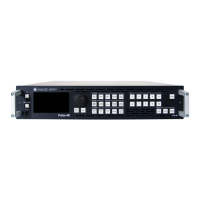
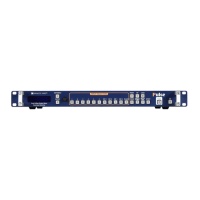
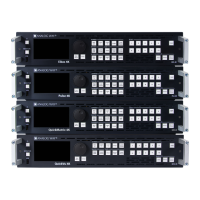
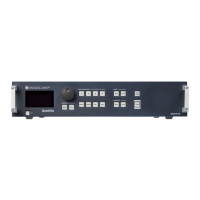
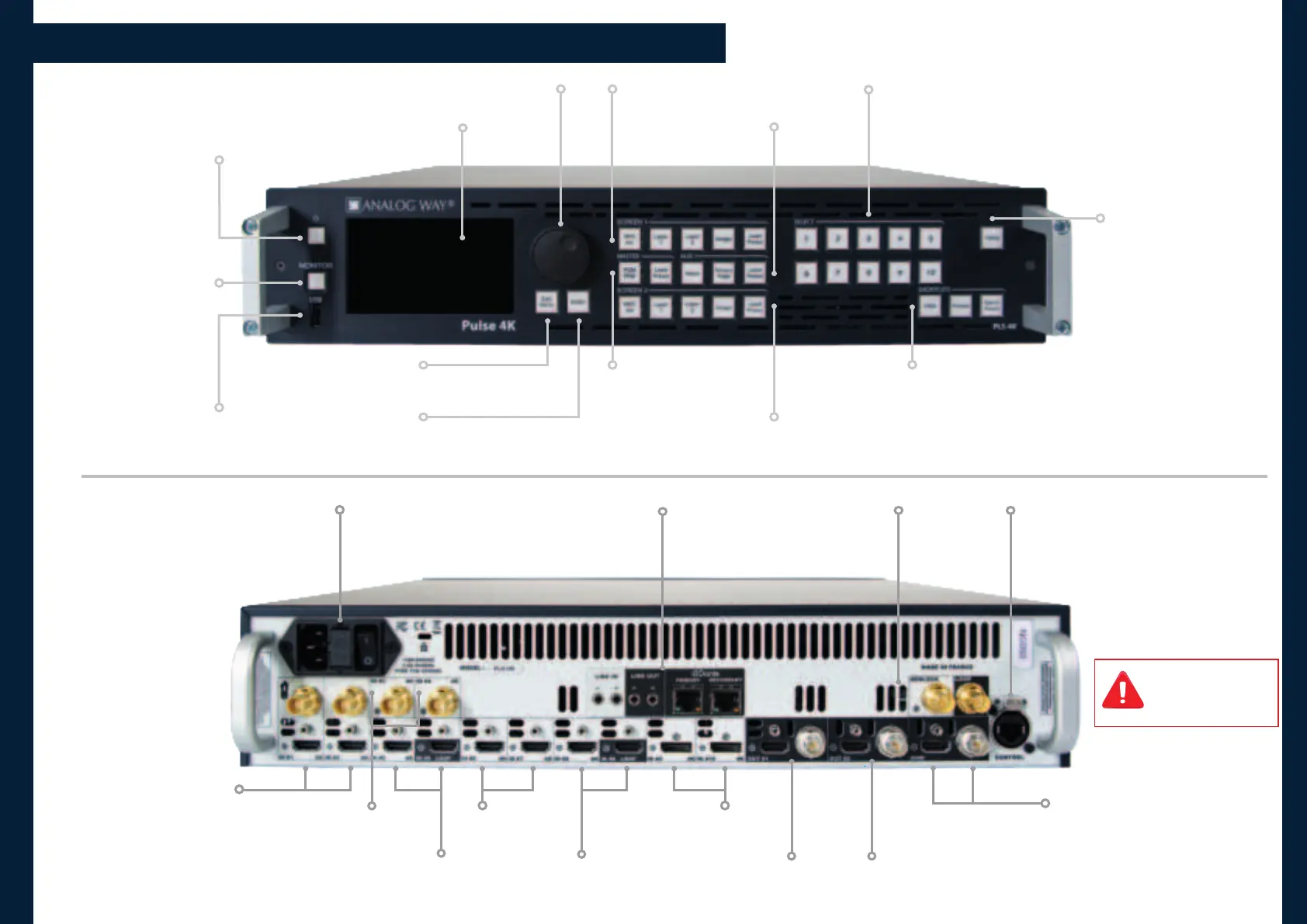
- Input source
- Background set
- Foreground image
- Master or Screen preset
Loop-through (Tri-level or Black
Burst) or Sync signal generator
480x272 color LCD screen
Hold for 3 seconds for
stand-by mode
USB Plug
100-240 VAC 3A 50/60H;
Fuse F4A 250 VAC; internal, autoswitchable;
max consumpon: 80W
Screen 1 layer or preset selecon
Transion the pre-selected
sources onto the Program
output with the selected
eects
Remove the content in the selected layer(s)
Freeze the selected input(s)
Hide all contents and load a Master Memory,
Fade-to-Black or one custom image on all Screens
HDMI 1.4 and 3G-SDI (2K)
Selectable acve plug
HDMI 1.4 & 3G-SDI
usable at the same me
(same content)
- HDMI 2.0
with Loop
Ethernet Plug for unit control
(Web RCS or API)
- DisplayPort 1.2
The user should avoid
disconnecng the power
source (AC input) unl the
unit is in stand-by mode.
HDMI 2.0 & 12G-SDI
usable at the same me
(same content)
Display the selected input
or PGM on the LCD screen
Menu scroll knob
- 2x analog stereo mini jack line in and line out
- Dante audio primary and secondary RJ45
Gigabit Ethernet connectors
HDMI 2.0 & 12G-SDI
usable at the same me
(same content)
- HDMI 2.0
- HDMI 2.0
with Loop
- 12G-SDI
Home menu or back one level
Conrm the menu or command
Aux. Screen content type
or preset selecon
Screen 2 layer or
preset selecon
- Program/Preview mode
- Master preset selecon


 To Next Page
 Loading...