analogue.co 5 / 16V1.3 Apr.2024 5 / 16V1.3 Apr.2024analogue.co
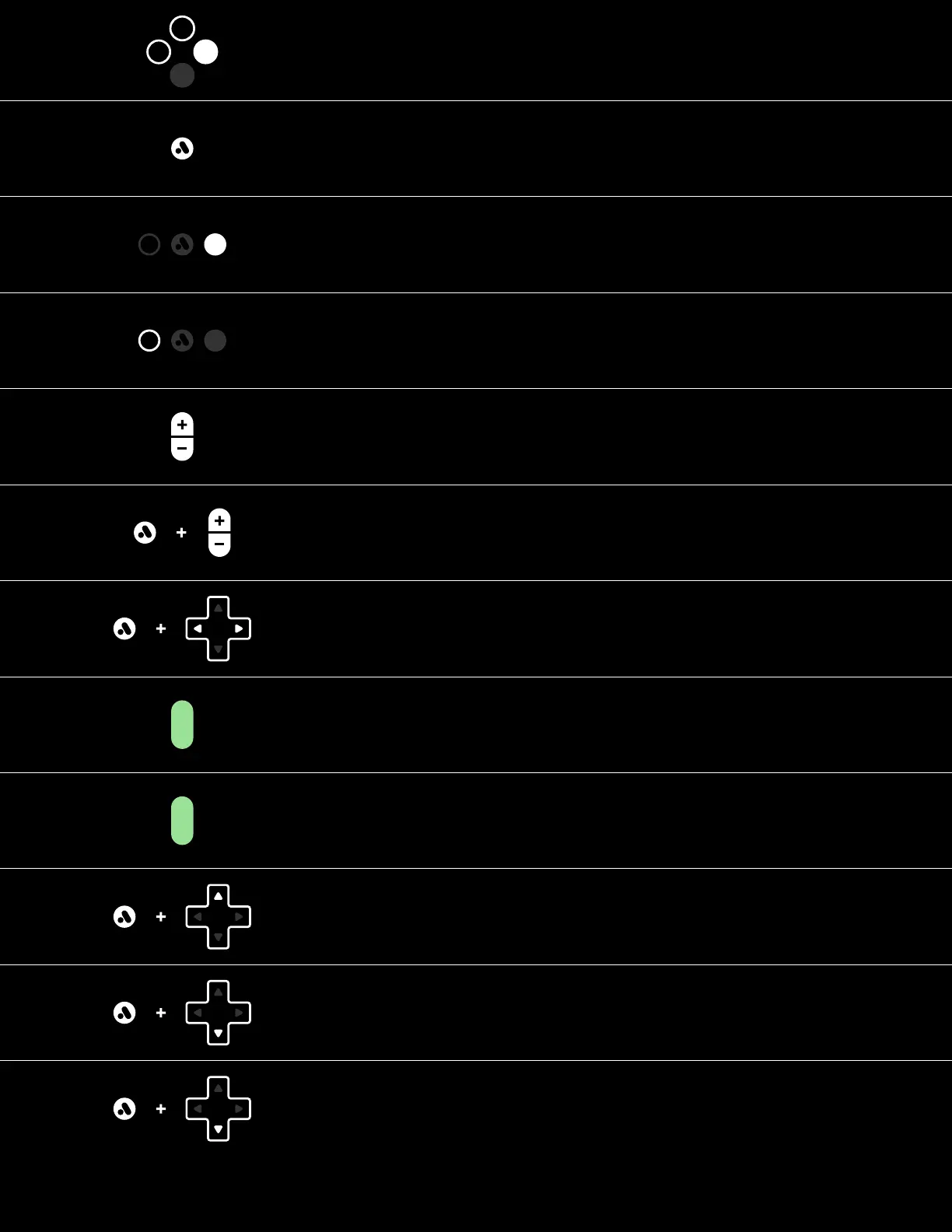
Press to Continue
Press to go Back
Press Analogue for Menu
Press for Start
Press for Select
Press +/- for Volume
Press +/- together for Mute
Hold Analogue and Press
Volume for Brightness
Hold Analogue and Press
Left or Right to cycle
Original Display Modes
[During Gameplay]
Analogue + Up
Create a Save State Memory
Analogue + Down
Quick Load last save state
Disabled by default. Enable in Settings > Memories > Enable Quick Load
Quick press Power to Sleep and Wake
Hold Power for 2s for on/off
Analogue + Down (Hold for 1s)
Quick Access for Memories
Disabled by default. Enable in Settings > Memories > Enable Quick Menu



 To Next Page