2.1NSTRUCTlONS
2.1 Dual-system Selection
Start the car's engine and plug the OBDII
connector into the carls OBDII interface.
Enter the main interface; click the "0K" button
to start scanning the vehicle (DLC) system, it is
detected that the single system enters the
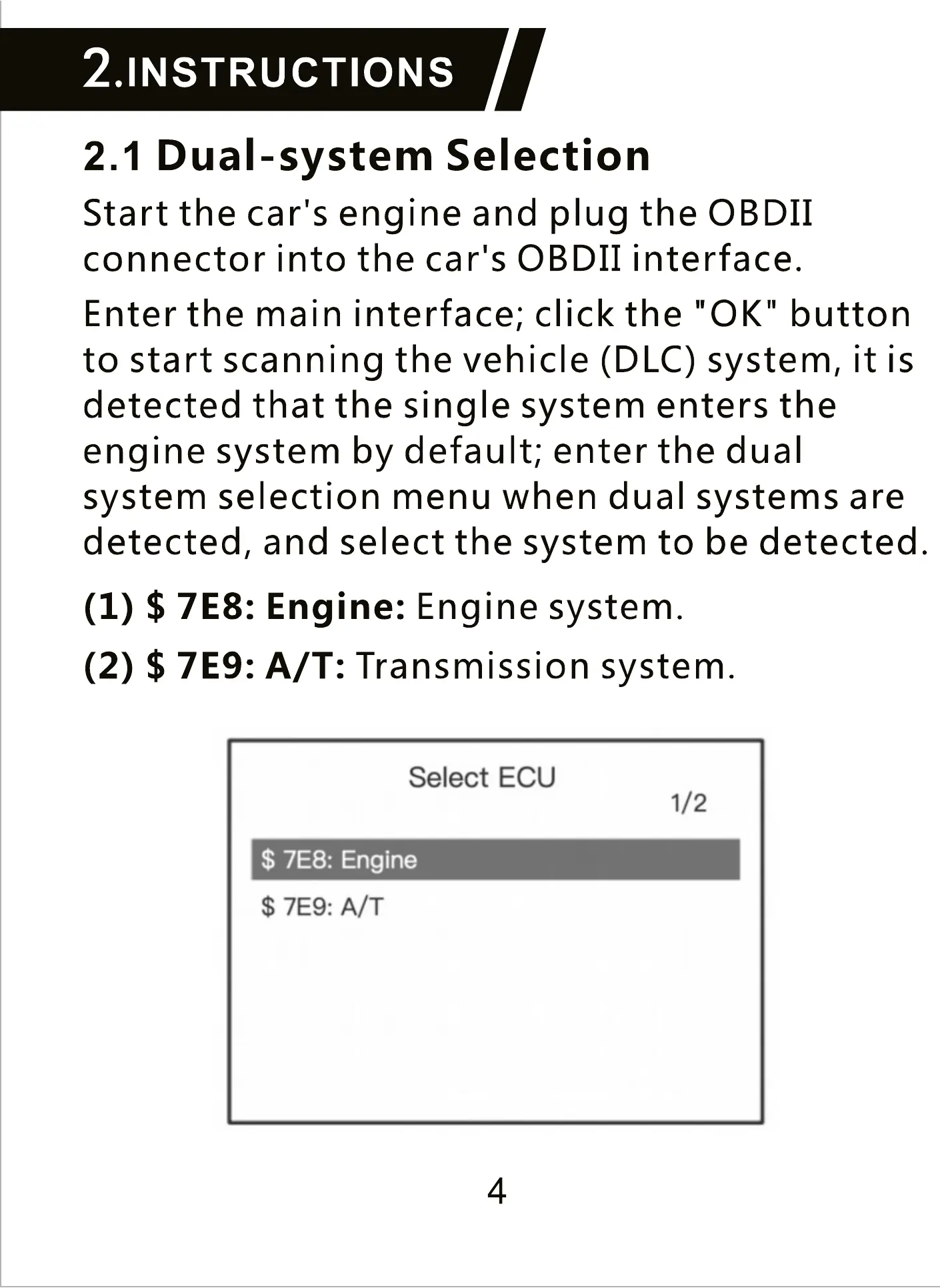
engine system by default; enter the dual
system selection menu when dual systems are
detected, and select the system to be detected.
(1) $ 7E8: Engine: Engine system.
(2) $ 7E9: A/ T: Transmission system.
Select ECU
1/2
$ 7E8: Engine
$ 7E9: A/T
4



 To Next Page