2.3 Setup
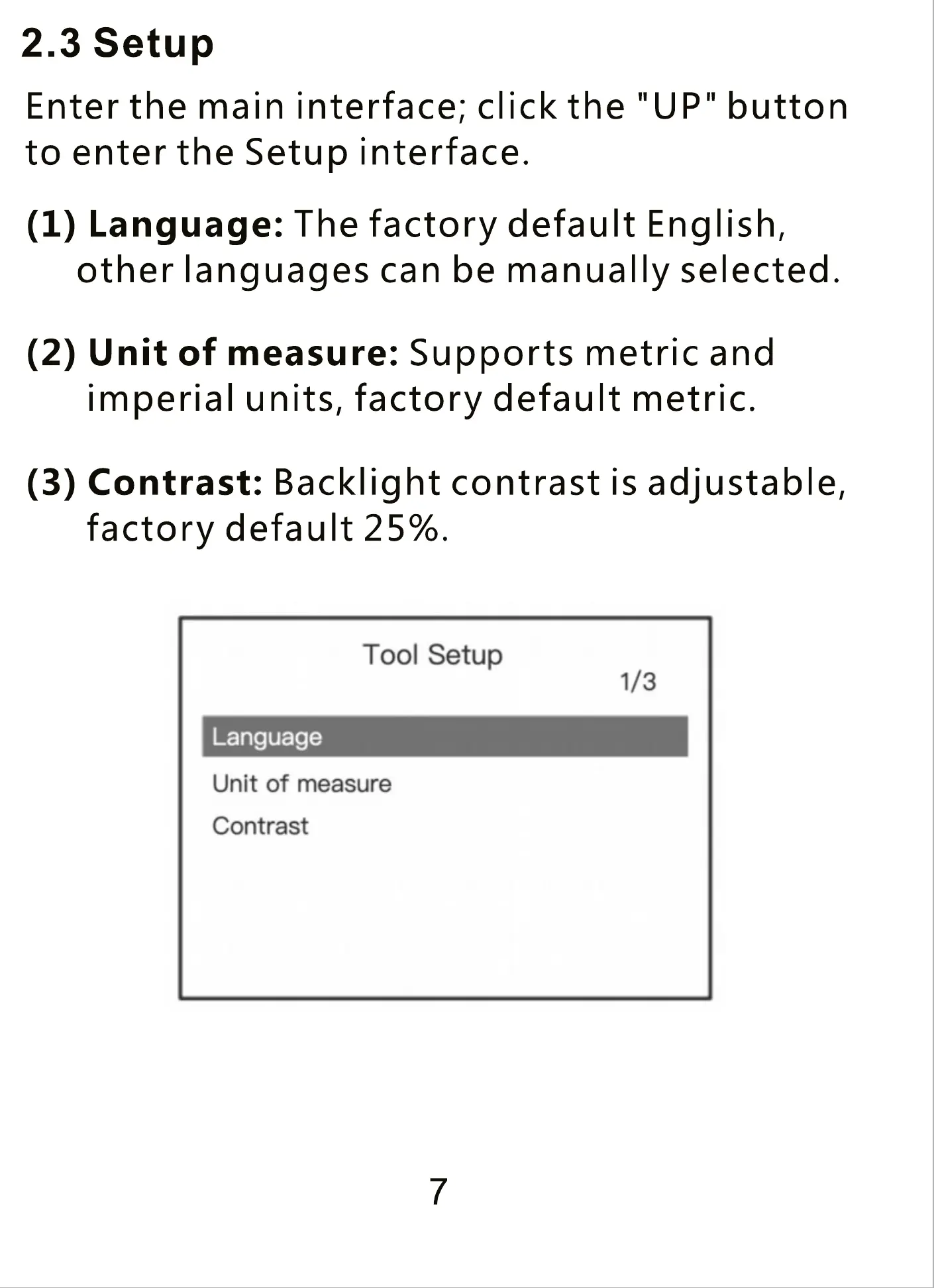
Enter the main interface; click the "UP" button
to enter the Setup interface.
(1) Language: The factory default English,
other languages can be manually selected.
(2) Unit of measure: Supports metric and
imperial units, factory default metric.
(3) Contrast: Backlight contrast is adjustable,
factory default 25%.
Tool Setup
1/3
Language
Unit of measure
Contrast
7


 To Previous Page
 Loading...



