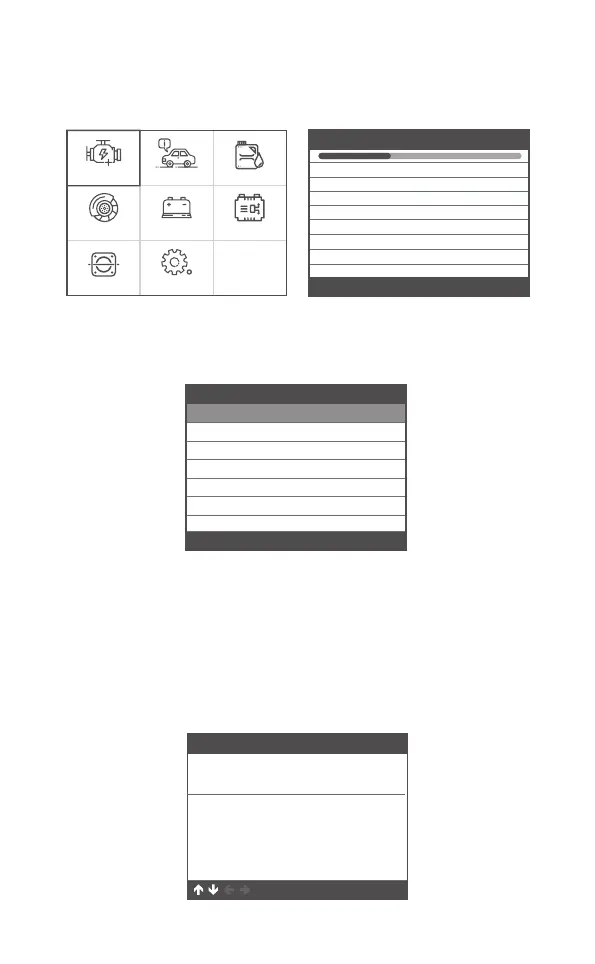
Choose [OBDII ] and it displays as follows:
3 OBDII Diagnose
If there are no Diagnostic Trouble Codes present, the display
indicates "No (pending) codes are stored in the module!" Wait a
few seconds or press any key to return to the Diagnostic Menu.
2.View DTCs and their definitions on screen
(The control module number; Sequence of the DTCs; Total
number of codes detected; Type of codes (Generic of Manufactur-
er specific)
3.1 Read Codes
OBDII Oil reset
BMS resetBATEPB reset
Tool SetupETCS reset
For Ford
Select System Diagnose
Processing
ISO9141
ISO14230-4 KWP(5BPS)
ISO14230-4 KWP
ISO15765-4 CAN (29bit)
ISO15765-4 CAN (11bit)
J1850 PWM
J1850 VPW [fail]
[fail]
[fail]
[ ]
[ ]
[ ]
[ ]
DTC
P1113
IAT Sensor Open/Short
FORD
1/3
Pending
OK ESC
Diagnostic Menu
Read Codes
Erase Codes
I/M Readiness
1/6
Data Stream
Evap System Test
Vehicle Information
1. Select [ Read Codes ] , then press [OK]
13 EN



 To Next Page