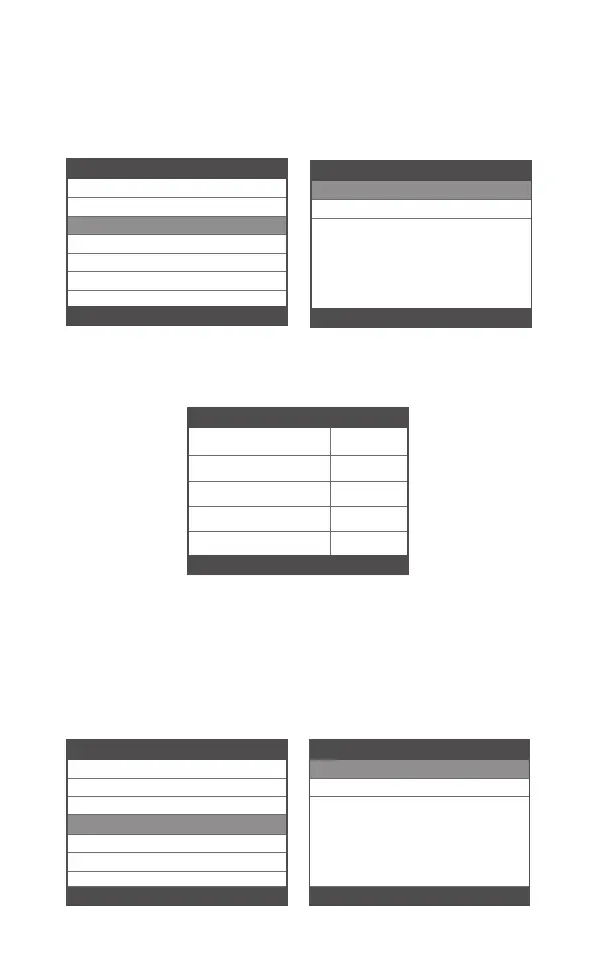
Select I/M Readiness option, press [OK], the screen will display as
follows:
Use UP or Down button to select, then press [OK], the screen will
display as follow
N/A means not available on this vehicle, INC means incomplete or
not ready,OK means Completed or Monitor OK.
3.3 I/M Readiness
Choose [Data Stream] and it displays as follows:
3.4 Data Stream
Misfire monitor OK
OK
OK
INC
N/A
Fuel system monitor
Comprehensive component
monitor
Catalyst monitor
Heated catalyst monitor
1-5/10
I/M Readiness
Diagnostic Menu
Read Codes
Erase Codes
I/M Readiness
3/6
Data Stream
Evap System Test
Vehicle Information
Diagnostic Menu
Read Codes
Erase Codes
I/M Readiness
4/6
Data Stream
Evap System Test
Vehicle Information
Datastream
View All Items
Select Items
1/2
I/M Readiness
Since DTCs Were Cleared
This Drive Cycle
1/2
15 EN



 To Next Page