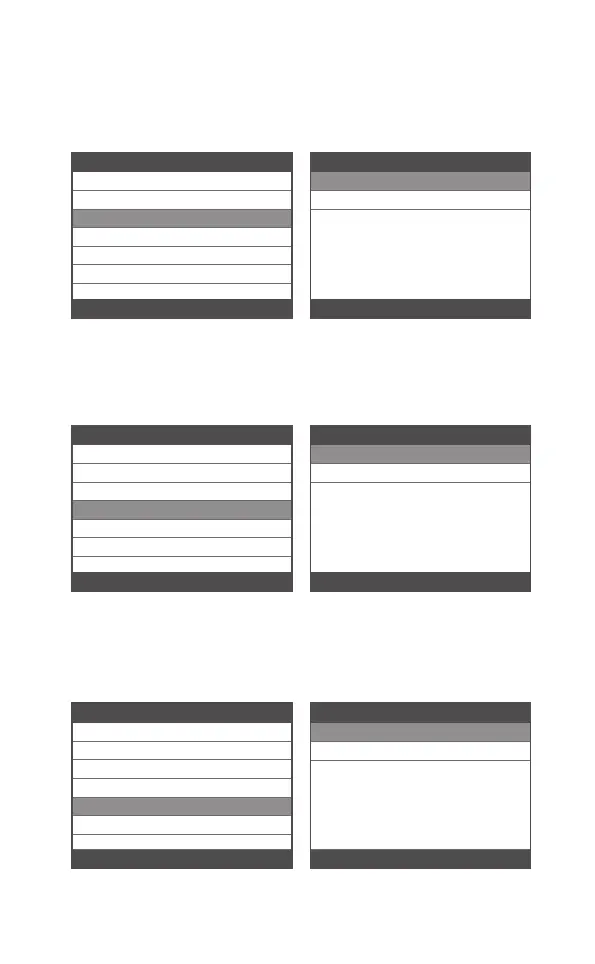
Choose [Instructions (Display at startup)] and it displays as
follows:
4.3 Instructions (Display at startup)
Tool Setup
Language
Beeper
Instructions(Display at startup)
3/6
Unit of Measure
Skin Style
Feedback the test result
OFF
ON
1/2
Instructions(Display at startup)
Choose Unit of measure and it displays as follows:
4.4 Unit of measure
Tool Setup
Language
Beeper
Instructions(Display at startup)
4/6
Unit of Measure
Skin Style
Feedback the test result
Metric
Imperial
1/2
Unit of Measure
Choose Skin Style and it displays as follows:
4.5 Skin Style
Tool Setup
Language
Beeper
Instructions(Display at startup)
5/6
Unit of Measure
Skin Style
Feedback the test result
Sky Gray
Gem Blue
1/2
Skin Style
18EN



 To Next Page