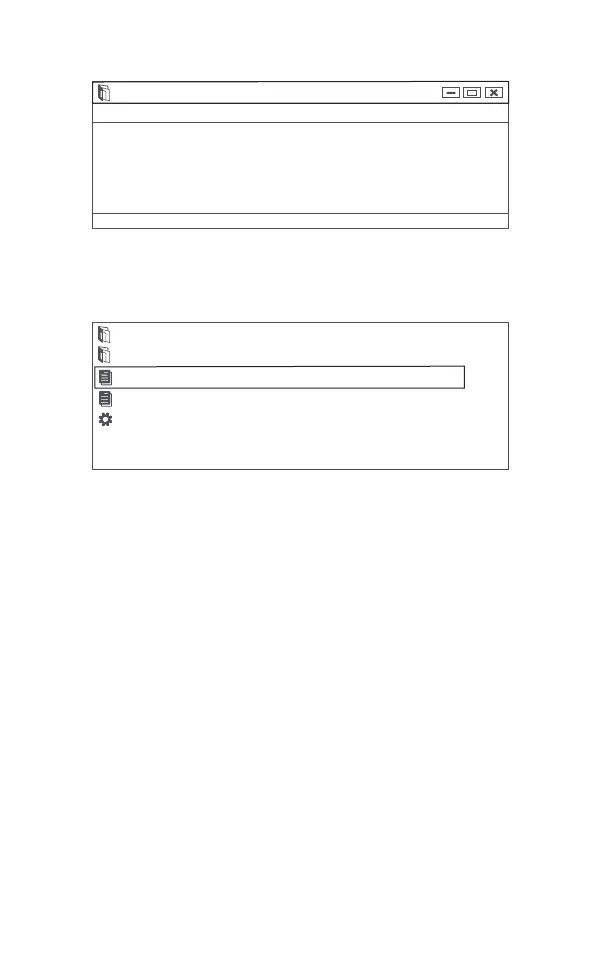
Remark: In the above steps, keep the tool connected to the
computer.
Choose the note file; send the Feedback.bin text to
support@anceltech.com .
5. Update
1.Download update software.
2. Connect the devise with computer through USB cable.
note-notebook
Please send the Feedback.bin file in the current directory to our
email address:support@anceltech.com,we will promptly reply
you and solve related problems,thank you!
File Edit Format View Help
bin
diver
README.txt
feedback.bin
Update.exe
22EN



 To Next Page