1* Work Light
1* USB Cable
1* User Manual
Press the power button to turn the fixture on and off, increase brightness, and change
modes. Note: When the light is on, the default 2COB lighting mode is cool white
(100% brightness), briefly press the button again to change the 2COB cool white 50%
brightness - the right single COB is on - the left single COB is on - the light off.
Operate Step Instruction:
Step 1: 2COB ON/OFF
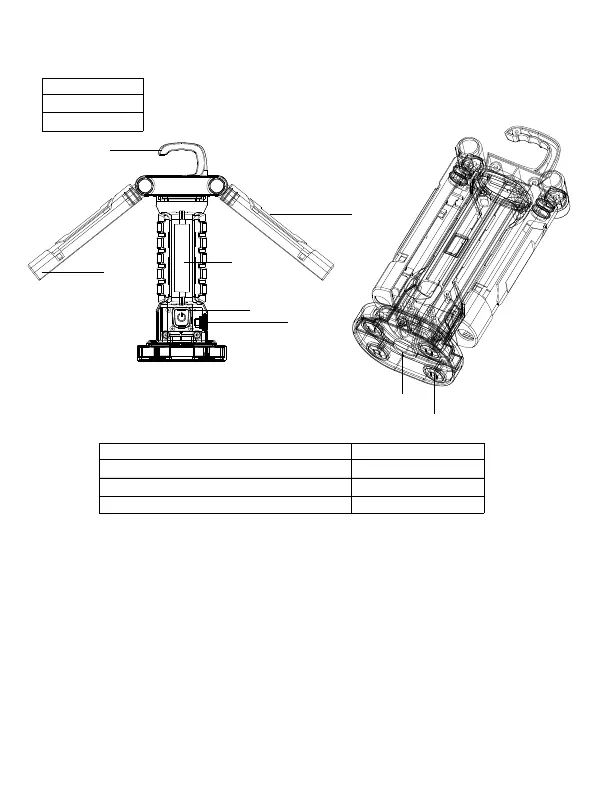
1. Power/mode/brightness adjustment 5.hook up
2. Battery indicator 6.Type C&USB
3. Led COB 7.strong magnet
4. Led XPE 8. Tripod interface
What’s in box?
5
6
7
8
1
2
4
3



 To Next Page