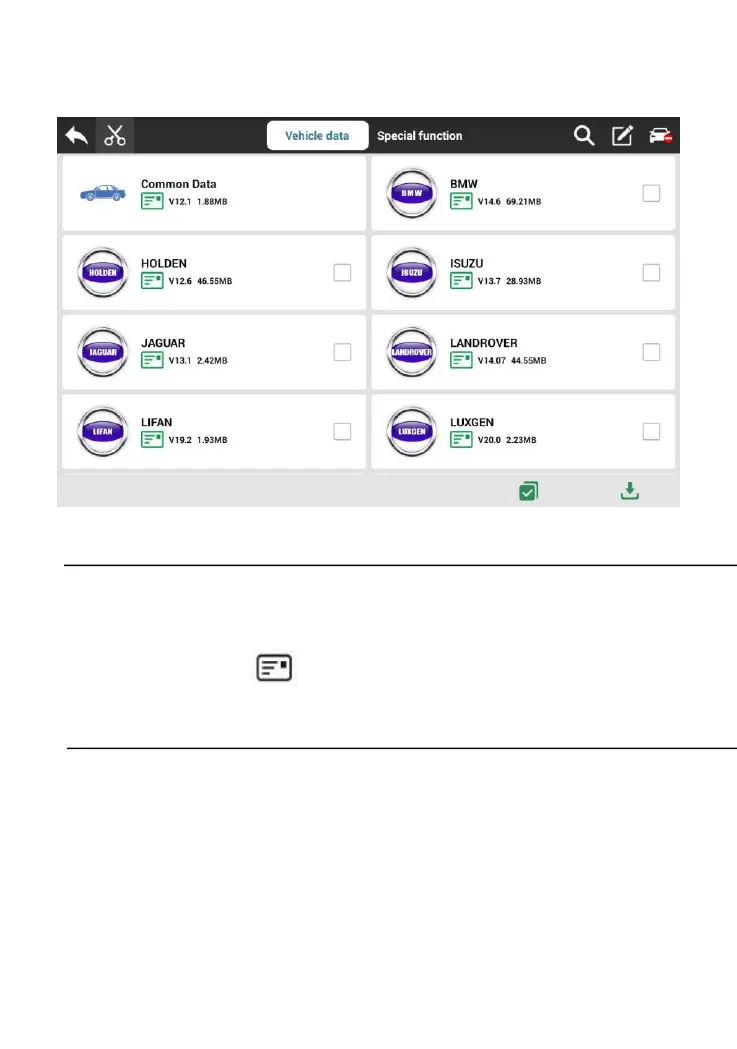
Note: • Diagnostic vehicles must download [Common Data] and
other vehicle model data required;
• Click the 【 】 button after the data to view its data
coverage and download instructions.
4.2.2 VCI and vehicle connection
Connect the VCI box to the vehicle to be diagnosed through the
main test leads and diagnostic connector. After the connection is
successful, the power light is on and the Bluetooth indicator is



 To Next Page