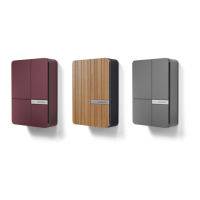
Charge Point
Settings
Andersen Quick Start Guide v2.0 - Page 21
Within the Device section, you are
able to view your charge point
information as well as add or remove
any charge points from your
account.
In the Network page, you can view
and amend the Wi-Fi connection.
You can also see how strong the
connection is.
Within the Energy tariff section of
your settings, you will be able to
view and edit your tariff information.
(Please note this information feeds
into the calculations of your energy
usage, so if you wish to monitor the
true cost of your charging, please
ensure the tariff information is
accurate.
Within the Light settings you are
able to adjust both the convenient
lighting and LED light brightness
Home charger
Home charger
Home charger
Designer EV Charging



 To Next Page