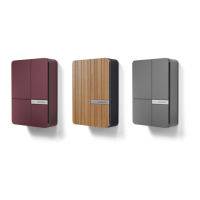
LED Status Light and
Multi-Function Button
Andersen Quartz Quick Start Guide - Page 6
Solid white LED - charge point is in standby mode
Solid magenta LED - waiting for scheduled charge to start
Solid orange LED - waiting for sufficient solar to start charge
Pulsating green LED - vehicle is charging
Solid green LED - vehicle has finished charging
Solid blue LED - charge point is locked by user
Solid red LED - charge point has detected an error
Flashing cyan LED - charge point is in setup mode
Pulsating yellow LED - charge point is rebooting
All colours pulsating sequence - Firmware update in progress
The multi-function button on the Andersen
Quartz can be found on the bottom of the
charge point, behind the status light.
Please only use this button if the Andersen
App or our customer care team instructs you
to do so.
Incorrect use of the multi-function button will
result in removal of your Wi-Fi credentials.



 To Next Page