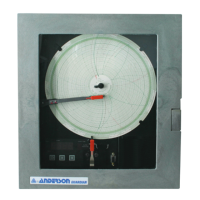
Anderson Guardian
9
Changing the Felt Tip Pen on the Pen Arm
You will need to periodically change the felt tip pen on your Guardian. You will know this needs to
be done when the chart is moving, the pen is in contact with the paper but the line is either faint or
not printing at all.
Replacement pens
are available from
Anderson at 1-800-
833-0081. See the
“Customer Support
and Replacement
Parts” section for
part numbers when
ordering.
To change a pen,
simply slide the felt tip
marker off the end of
the metal pen arm.
Slide a new one on
until it “clicks” in place.
Chart Positioning
When placing a new chart on the Guardian, align the correct time of day to the “START TIME”
marker located on the left of the event pen.
1
2
1
2
Installation
Slide pen into
holder (1) and
push down (2) as
shown by arrows.
Removal
To replace, pull up
at back end (1)
and push out (2).
For five replacement pens, order the following:
Green # 60500401
Red #60500402
Note: Be sure to replace the pen cartridges with the same type (color) that was
removed. Be careful not to bend the pen arm while changing the pens.
START TIME
Note: Be sure to replace the pen cartridges with the same type(color) that
was removed. Be careful not to bend the pen arm while changing the pens.
For ve replacement pens, order the following:
Black #60500408
Red #60500402


 To Next Page
 Loading...