26
Using the Remote Control
Remote Control
Button
Function
Press the button to view the schedule of the previous day.
Press the button to view the schedule of the next day.
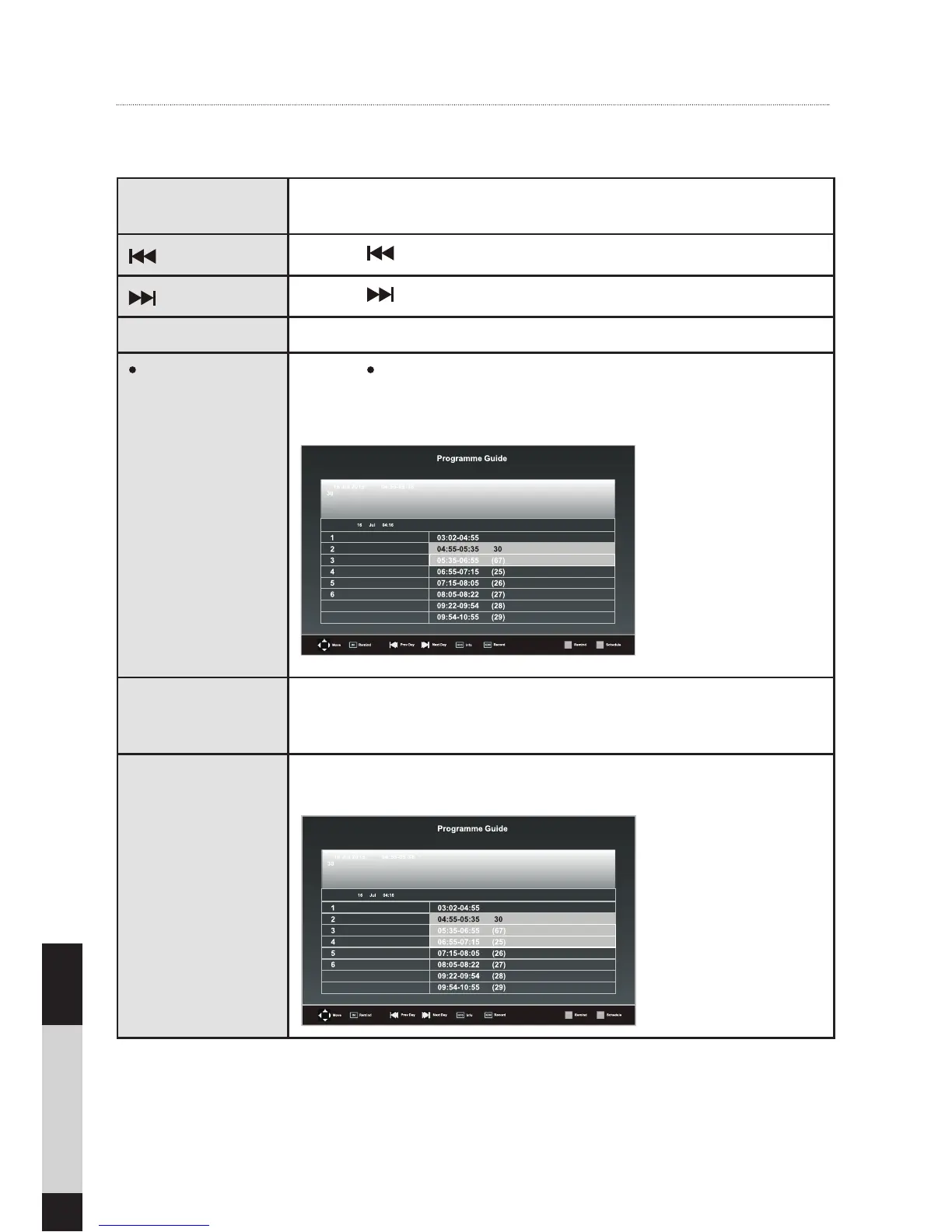
INFO Press to display detailed information of the selected programme (if available).
REC Press the REC button while on the selected programme to set the sched-
uled recording. The TV will automatically record the selected programme
when it
starts.
GREEN (Remind) Press the GREEN button while on the selected programme to set the remind-
er. Press the GREEN button again to turn off reminder. The TV will automati-
cally tune to the selected programme when it starts.
YELLOW (Schedule) Press the YELLOW button to view the preset reminders or scheduled record-
ings in the schedule list. Press the MENU button to return to the EPG.
Using the features


 To Next Page