English 6
Overview Operation
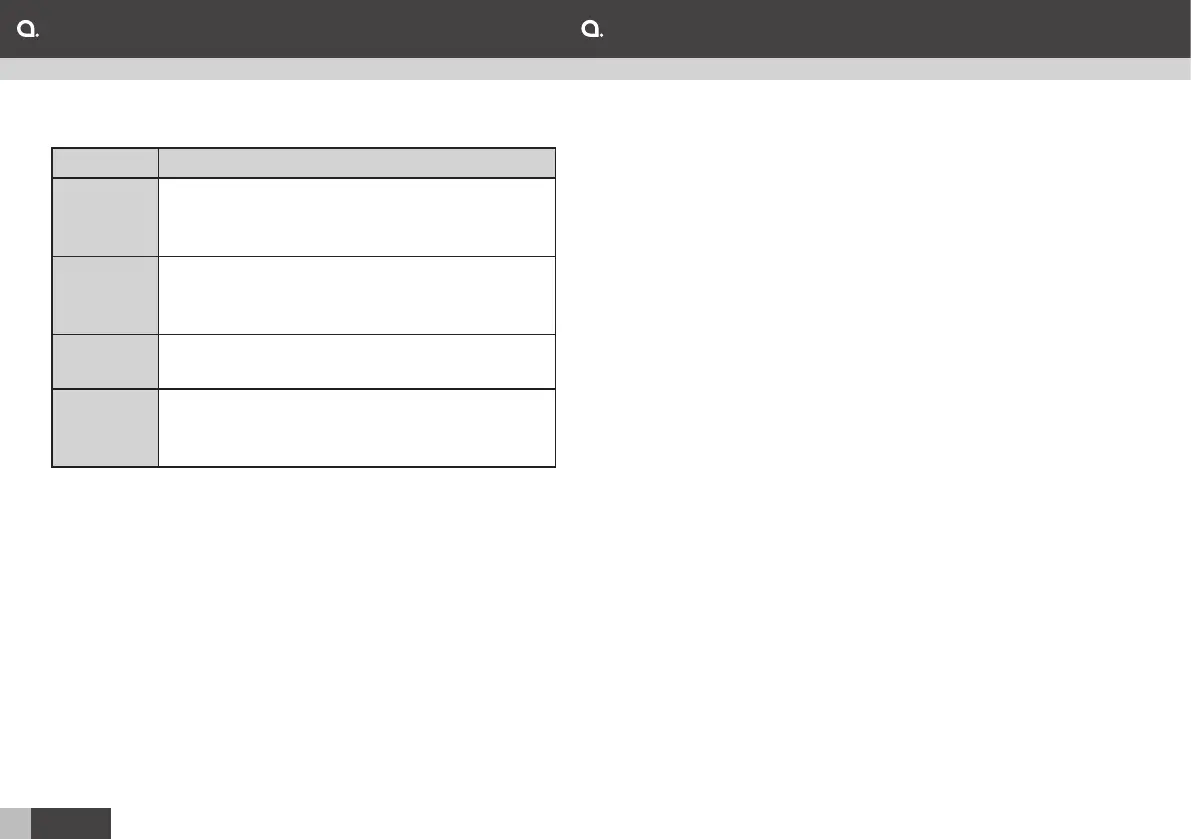
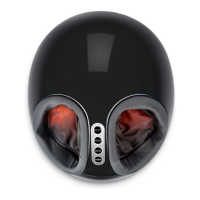
Control panel:
Button Function
Heat Turn on or off the heating function. The
indicator will be lit in red when function is
activated.
Intensity Select one of the three levels: Low (blue
indicator), medium (red indicator) and high
(blue and red indicator).
Mode Select one of the two modes. Mode 1 (red
indicator) and mode 2 (blue indicator).
On/off Press and the max. operation time of 15
minutes will be activated. Press again to
turn off.
Get started:
1. Connect the AC adaptor to a wall outlet and then to the
DC jack on the foot massager.
2. Place the foot massager on a flat surface and sit down in
a chair or sofa and comfortably put your feet into the foot
massager.
3. Press on/off to start the foot massager and activate the
operation time of 15 minutes.
4. Press a button on the control panel to activate the
desired function.
5. When the operation time is finished, the foot massager
will automatically go into standby. I you wish to finish the
operation time earlier, press on/off.
6. Disconnect the AC adaptor from the wall outlet and the
DC jack on the foot massager.
Maintenance:
1. Disconnect the adaptor and let the foot massager cool
down if it has been used recently.
2. Wipe the control panel with a dry towel.
3. Wipe the foot massager with a wet towel to remove dirt.
Note: Do not use any abrasive cleaning products or
scouring pads to clean any part of the foot massager. This
may damage its surfaces.


 To Next Page