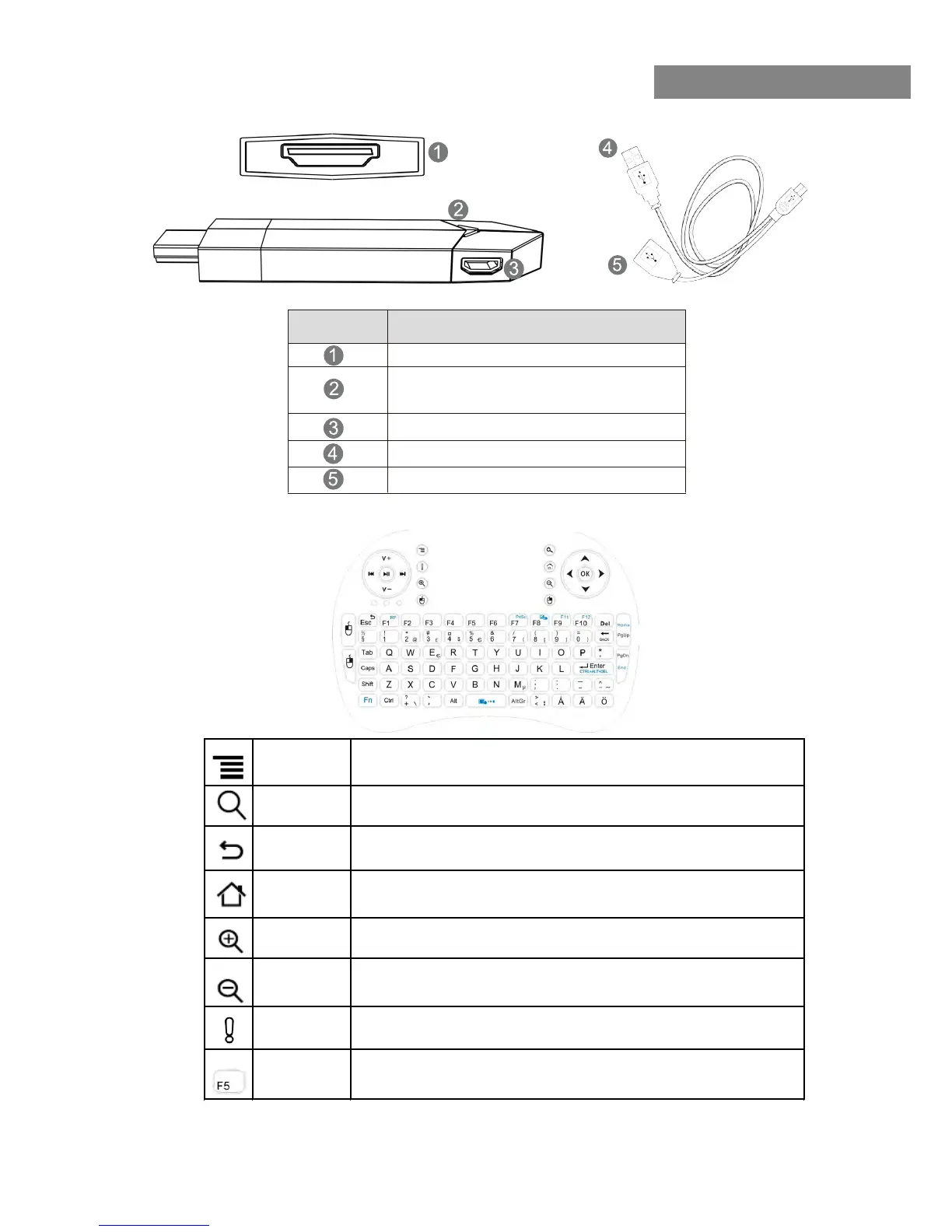
INTERFACE
Number Features
HDMI output
Signal light(Light on during running,light
off when shut down)
Micro USB port (OTG & Power supply)
Y-USB Cable Power supply (5V)
Y-USB Cable OTG (USB 2.0)
6
SmartTV-HDMI2.0
Menu
Toggles the menu available in certain applications, such as
the Internet browser, for more available options.
Search
Perform a quick Google search using the Internet
browser.
Back
Takes you back to previous screen or, if in browser, previous
Internet browser window.
Home
Takes you back to the home screen, regardless of where you
are or which application you are currently running.



 To Next Page