Microphone does not record sound when
using a voice-recording application.
A. Check all connections.
B. Bring the microphone closer to your mouth.
C. Check input control for proper level in software.
D. Check that microphone is not muted on cable module or in the PCs microphone audio panel.
C46-5475 Rev -
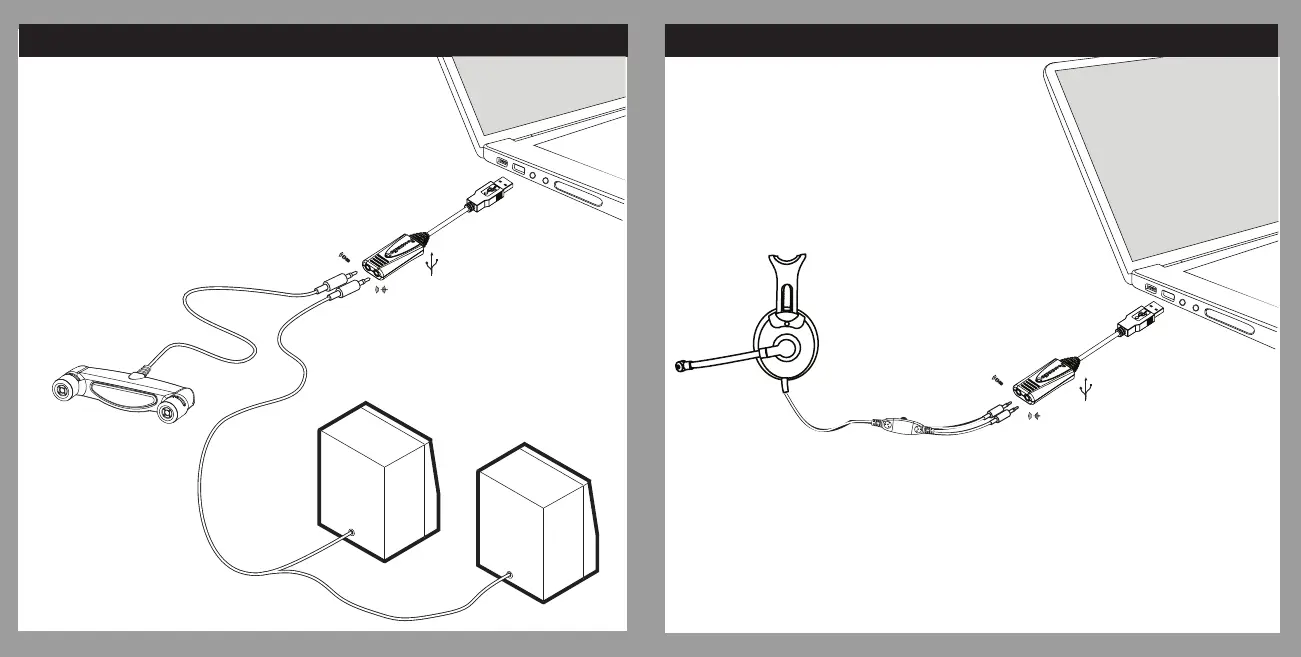
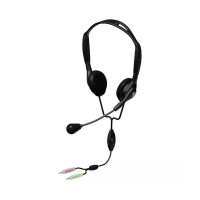
CONNECTING A HEADSET TO YOUR COMPUTER
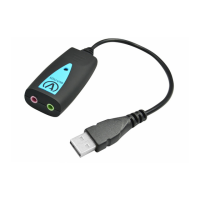
USING THE EDU-USB ADAPTER
T
CONNECTING A MICROPHONE AND SPEAKERS
TO YOUR COMPUTER USING THE EDU-USB ADAPTER
Plug the
EDU-USB
Adapter into
USB Port
Plug the Headset
into EDU-USB Adapter
Plug the EDU-USB
Adapter into
USB Port
Plug any Microphone
into the EDU-USB
Adapter
Plug Speakers into
the EDU-USB
Adapter
VOL


 To Previous Page