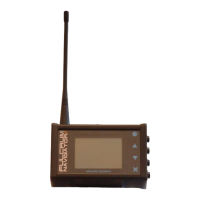
When the transponder is initially connected to the baitboat it will usually take about 40 seconds to obtain a
fix. I
t
can take longer under certain poor signal circumstances and locations.
To store a marker in memory you simply
press the select button (
) three times in succession
and go
through the menu system
-
MENU > MARKERS > SAVE
when your boat is over
your selected spot.
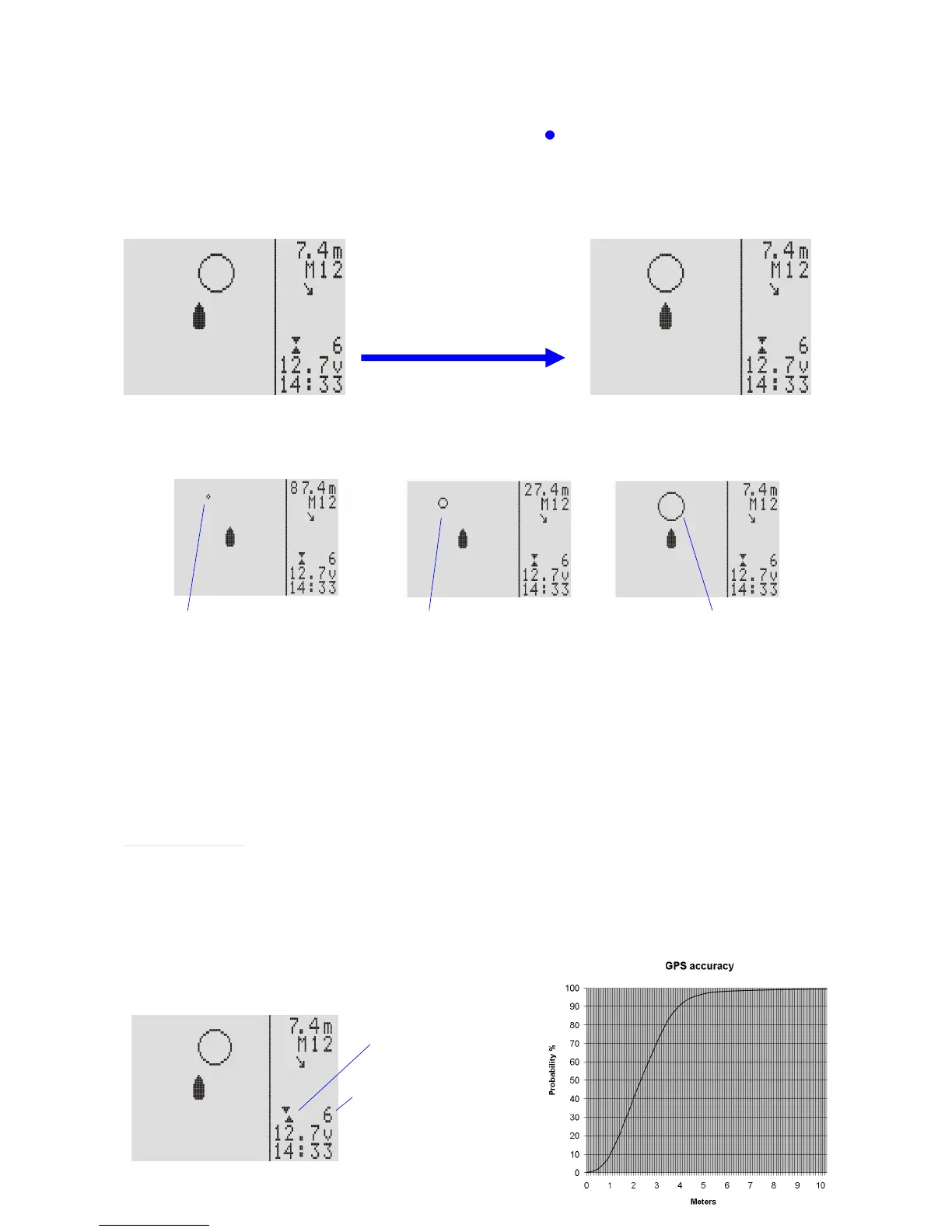
To navigate to the current marker you use the boat symbol to represent
you
rself driving the boat. If the
marker appears to the right of the boat then the boat needs to be steered right until the marker symbol is
directly in front of the boat symbol
and vice
-
versa
:
Turning the boat to the right will
bring the marker symbol
in line
with the boat.
The marker symbol has three shapes/sizes depending on how far away the boat is from the marker.
If initially, there are only three visible satellites, no symbol will appear until four or more are detected.
Greater tha
n 50m away
between 50m and 10m
away
Less than 10m
away
Once the boat is central and within the large marker sy
mbol you are within a few metres
of the stored
marke
r. Once you are within one metre
of the marker the unit will issue a
triple beep. You can use this
sound
to trigger
the
dropping of bait and/or line on this spot.
Please note that your boat must have been more than ten
metres
from the marker for this triple beep to be
re
-
armed. This is to avoid repeated beeping just after
you have stored a marker.
As you get closer to a marker the distance shown in the top right of the display will decrease as well as the
symbol ge
tting closer to the boat symbol (as shown in the pictures above)
It is important to note that
when
the boat is not moving
,
no directional information can be obtained from it i.e.
the direction arrow will be invalid and the marker symbol will change angle around the boat symbol (but not
distance)
Notes on accuracy
When relying on a satellite
positional
fix it is
important to understand that because a number of things
influence the overall accuracy of a fix
,
the quality of the fix
and number of satellites visible
is
provided
to aid
you. The quality is
shown as two
o
pposing needles. The
higher the quality of the fi
x,
the closer these needles
will be to being exactly in line. Similarly the number of visible satellites will
also
tell you how good the fix is.
Any number above 6 would be good and 12 would be excellent. Caution should be used with numbers under
6.
The gr
aph shows a typical profile of the accuracy of a GPS receiver.
Quality of fix
2.1
m
CEP
Number of visible satellites


 To Next Page
 Loading...