EN 02
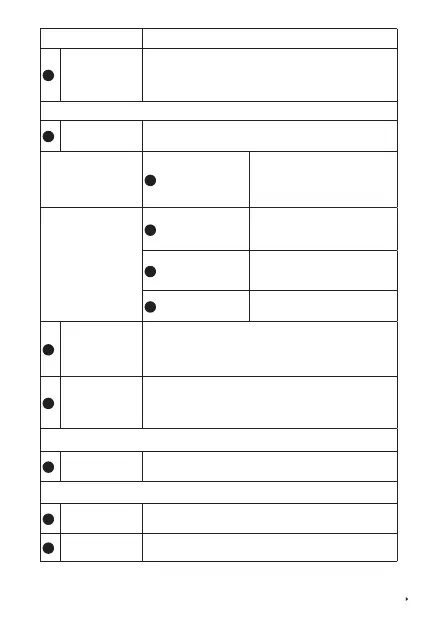
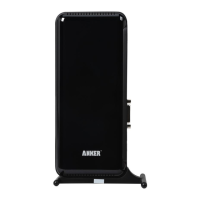
Controls and Ports
Description
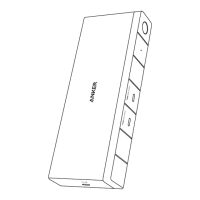
1
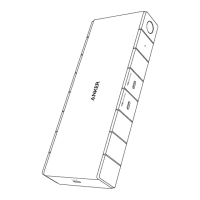
Magnetic Remote
Selector
Press the remote selector to switch between two connected
computers.
• The blue LED indicates the current selection is PC 1.
• The yellow LED indicates the current selection is PC 2.
Rear View
2
DC-IN Port
Plug one end of the included 100W power adapter into the DC-IN
port and the other into a power outlet.
PC 1 Port
3
USB-C Input Port
Connect your laptop to the PC 1 port
via the included USB-C cable.
Supports 65W power output to
charge your laptop.
PC 2 Port
4
USB-C Data Input Port
Connect your desktop PC to the PC 2
port via the included USB-A to
USB-C cable.
5
DisplayPort Input Port
Connect your desktop PC to the PC 2
port via the included DisplayPort
cable.
6
HDMI Input Port
Connect your desktop PC to the PC 2
port via the included HDMI cable.
7
DisplayPort Output
Port
For 4K@60Hz resolution, connect your monitor to the KVM using
the DisplayPort output port.
Note that the DisplayPort output port only works with the
DisplayPort input port.
8
HDMI Output Port
For 4K@60Hz resolution, connect your monitor to the KVM using
the HDMI output port.
Note that the HDMI output port only works with the HDMI input port.
Side View
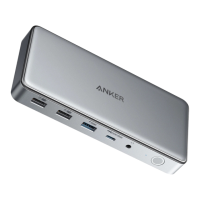
9
Audio In / Out
Connect to earphones or other devices with a 3.5 mm AUX
connector.
Front View
10
USB-C 3.2 Gen 1
Port
Up to 5 Gbps data transfer.
Power output up to 20W.
11
USB-A 3.2 Gen 1
Data Port ×2
Up to 5 Gbps data transfer.



 To Next Page