06 07
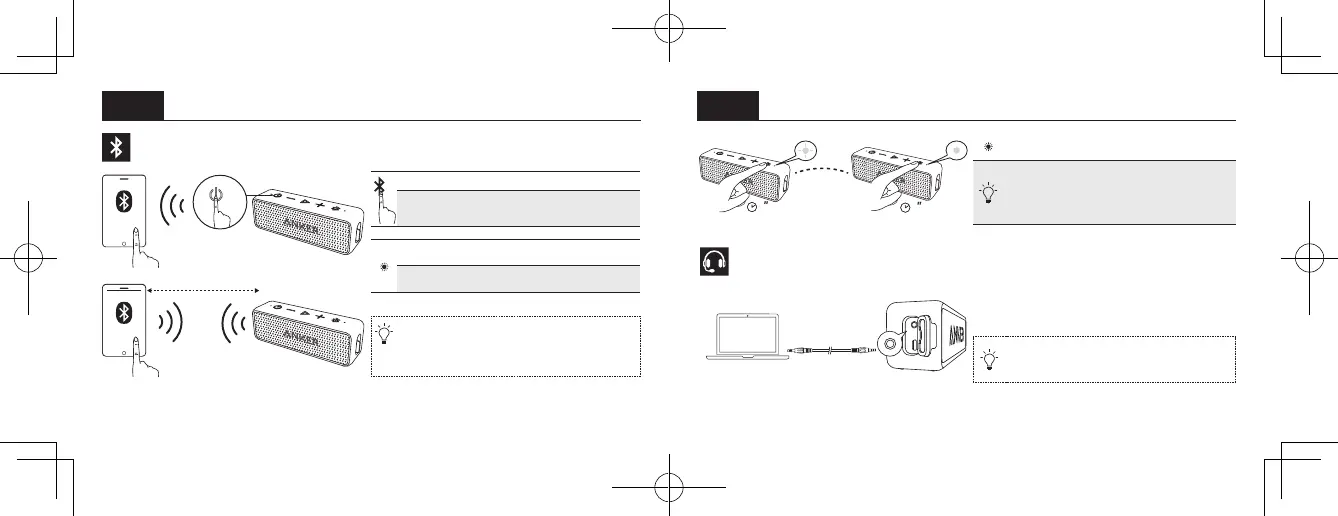
Bluetooth Pairing
ON
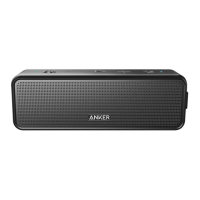
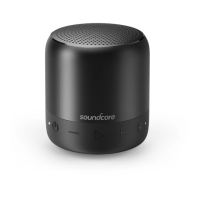
SoundCore 2
≤ 1m
Press Enter pairing mode
Press and hold
for 2 seconds
Un-pair connected device and
re-enter pairing mode
Flashing blue Pairing mode
Steady blue Connected to a device
When turned on, SoundCore will automatically
connect to the last connected device if available.
If not, SoundCore will enter pairing mode.
3
3
Double flashing
blue
True Wireless Stereo
Pairing Mode
With True Wireless Stereo technology, you
can pair your SoundCore 2 with another
SoundCore 2 to explore the best sound eects
with left and right sound channels separated
on both speakers.
Connect via AUX
* SoundLine AUX cable sold separately
To return to Bluetooth mode, remove the
AUX cable from your SoundCore.



 To Next Page