05 06
EN EN
× 1
Play / pause
Volume up / down
×
2
Next track
× 1
Answer / End call / Put current call on hold and answer
incoming call / Switch between held call and active call
2s
Reject call / Transfer a call between speaker and mobile phone
2s
Activate Siri / other voice control soware
Steady blue
On a call
Flashing blue
Incoming call
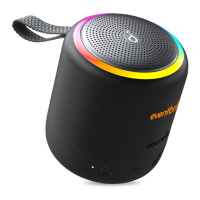
When turned on, Soundcore mini 2 will automatically connect to the last
connected device if available. If not, press Bluetooth button to activate
the pairing mode.
Having connection problems? Remove Soundcore mini 2 from your
device’s Bluetooth history, ensure it’s less than 3 feet away then try
pairing again. To get the best sound quality, make sure there is a clea
r
line of sight between the connected device and your speaker.
T
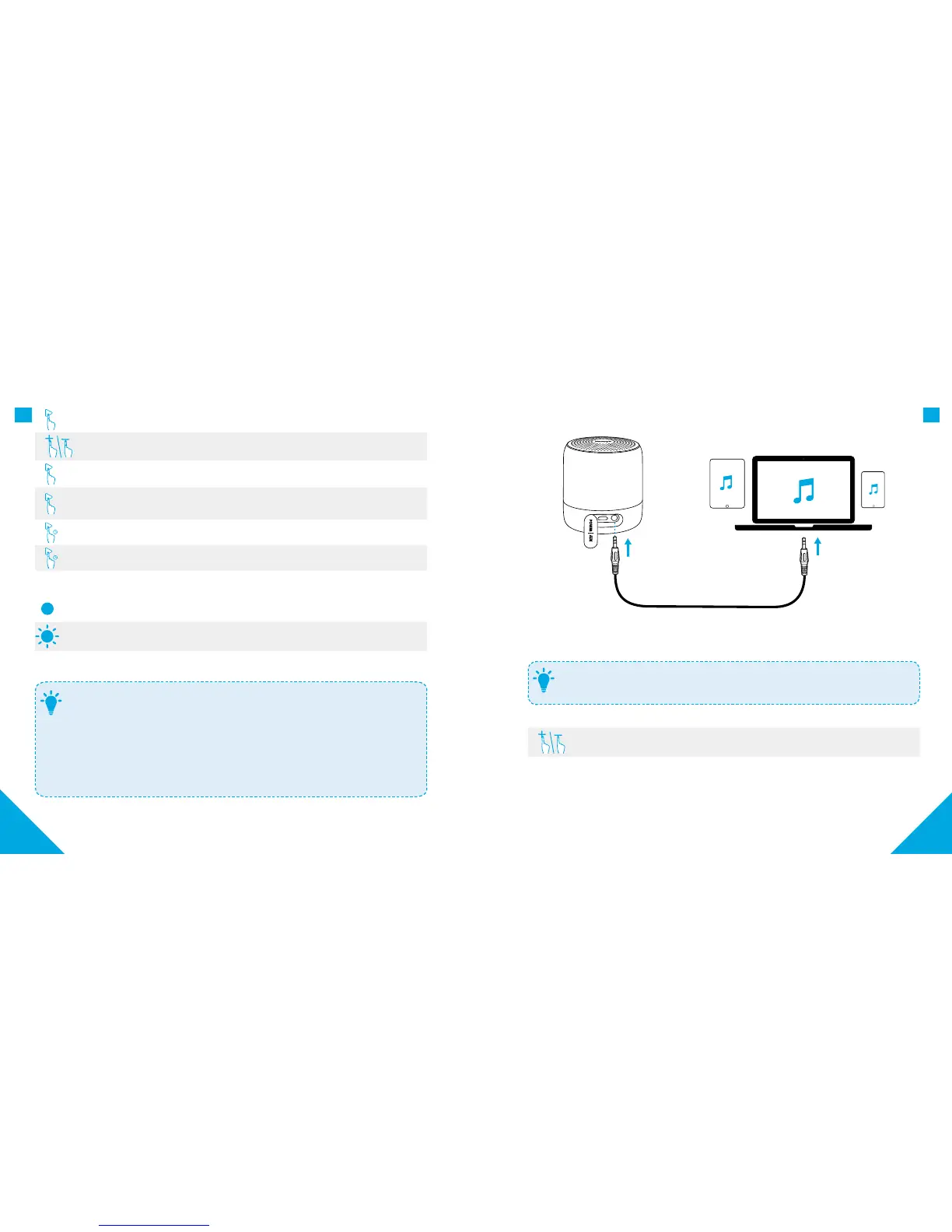
b. AUX-In mode
AUX
AUX
* SoundLine AUX cable sold separately.
Plugging in an audio cable will automatically switch to Aux mode.
When using AUX mode, control audio playback via the connected device.
T
Volume up / down



 To Next Page