06
EN
3. Music
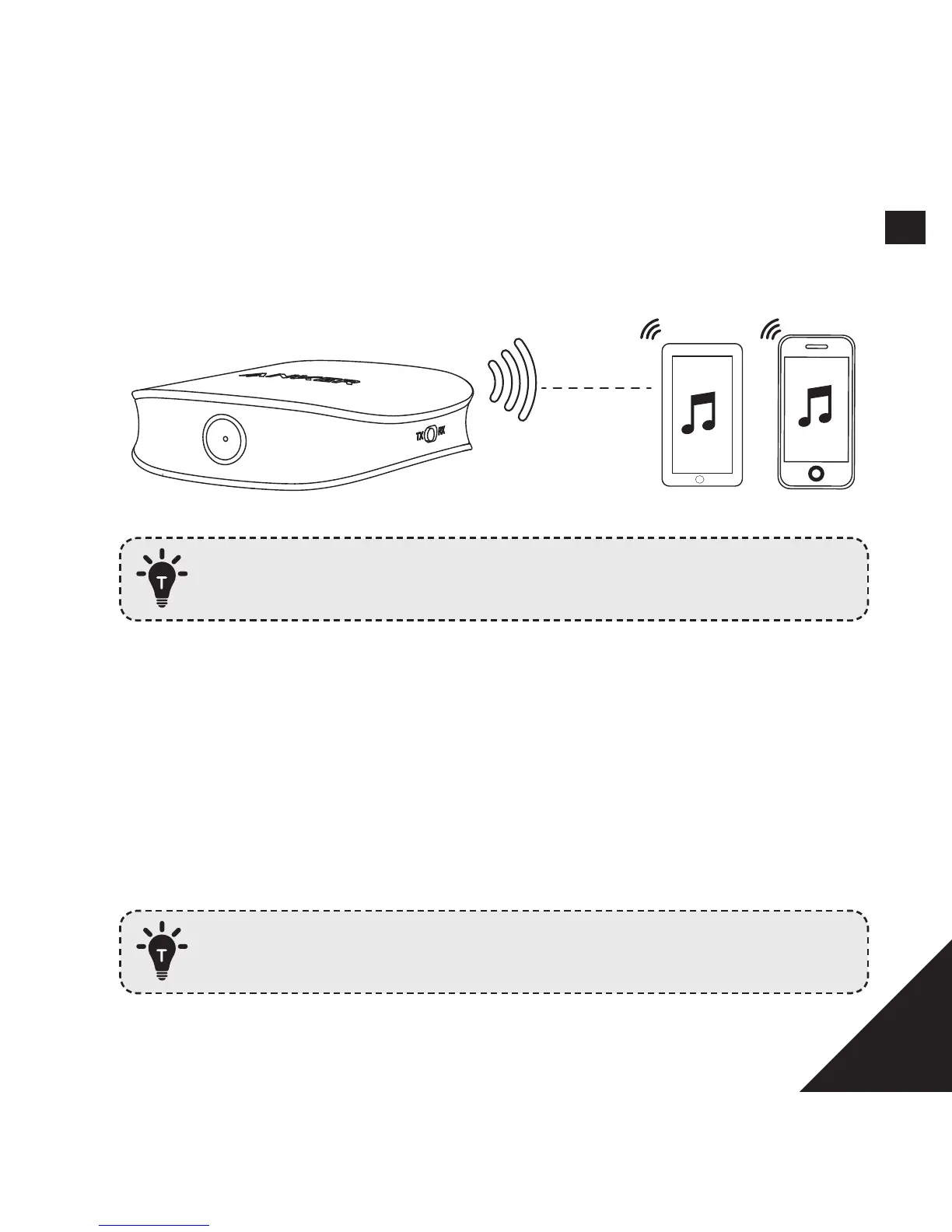
How to connect your Soundsync to two mobile phones at same time:
This function is only available in RX mode.
1. Connect the first mobile phone to your Soundsync, turn o the
Bluetooth of the first mobile phone once connected.
2. Press multi-function button twice to enter Bluetooth pairing mode.
3. Connect the second mobile phone to your Soundsync. Once the second
mobile phone is connected to Soundsync, turn on the Bluetooth of the
first mobile phone, then find Soundsync in your pairing list. Click it for
connection, make sure the connection is successful.
Soundsync can only play the music on one mobile phone at a time.


 To Next Page