Connect the gamepad with type-C cable to USB port of Android media box, android TV set,
after the system recognized the game controller, the gamepad will vibration for 1 second to
show successful connect. The LED2 will be long on. The mode is in Android gamepad mode.
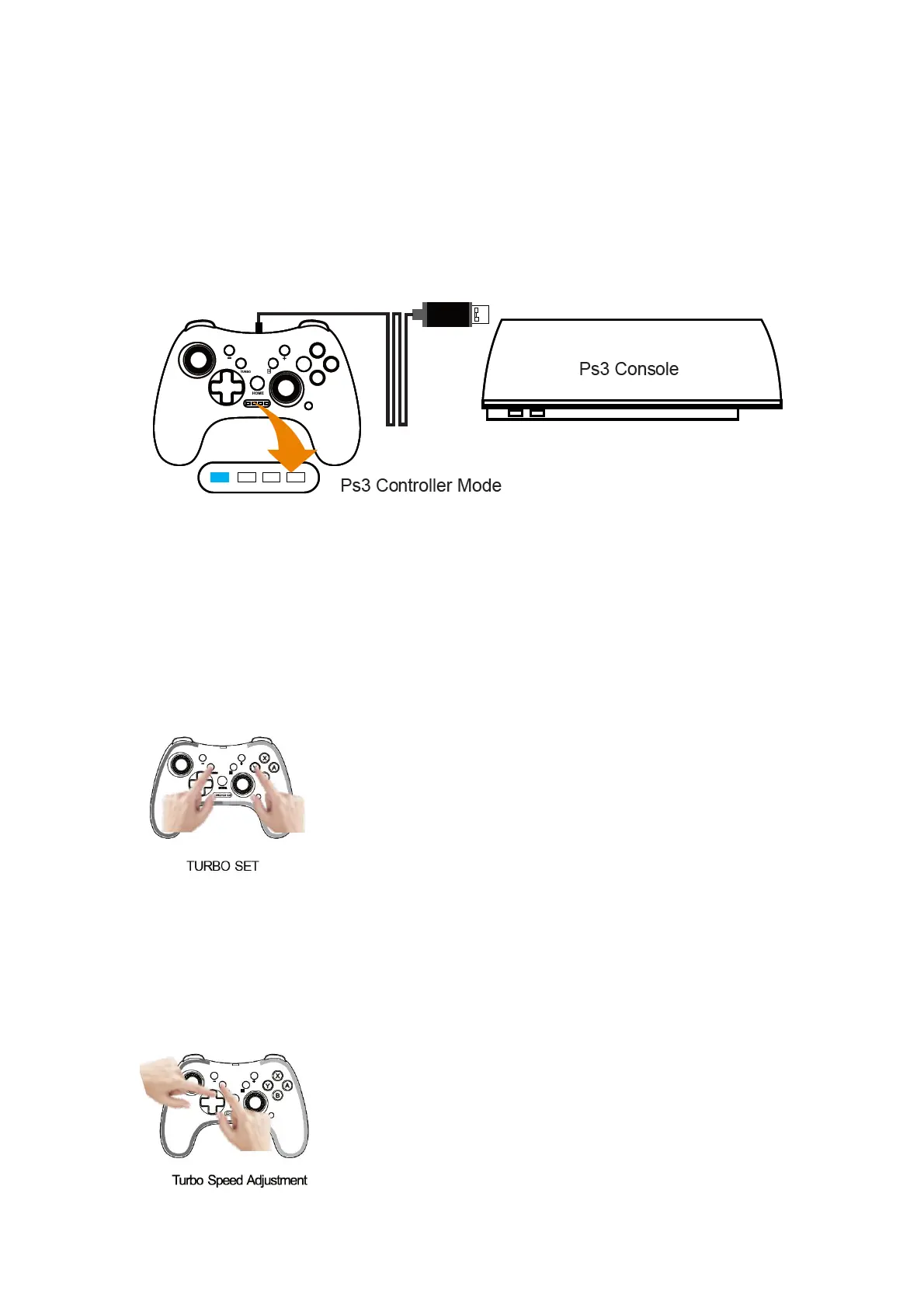
Ps3 Controller Mode
Connect the gamepad with type-C cable to the USB port of Ps3 console, after the system
recognized the game controller, the gamepad will vibration for 1 second to show successful
connect. The LED1 will be long on. The mode is in Ps3 gamepad mode.
Turbo Function & Speed Adjustment
Buttons can be set to the Turbo function (which is called for short function buttons):
A/B/X/Y/L1/L2/R1/R2 button.
Enable/ Disable the TURBO function:
Step 1: Press the TURBO button and one of A/B/X/Y/L1/L2/R1/R2 button simultaneously to
enable the TURBO function.
Step 2: Repeat the step 1 to disable the TURBO function.
Adjust TURBO speed



 To Next Page