Flicking blue: No network connection.
Solid red: Camera is armed.
Flicking red: Camera is not working
properly.
Solid green: Camera is connected to the
platform.
You can disable the status LED when you access the camera via
browsers. Go to Configuration—Advanced
Configuration—System—Service, and check off the checkbox of
Enable Status LED to disable the status LED.
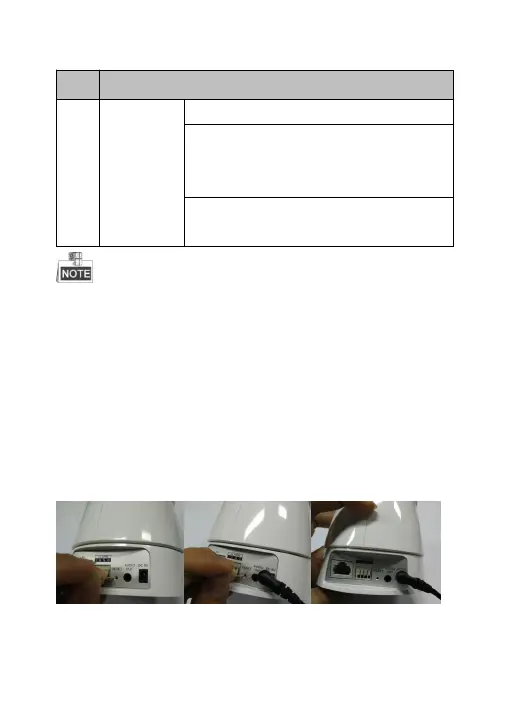
(1) Pull out the power and disconnect the network cable
,
then
prepare a clip or a cell phone pin.
(2) Use clip to press the “Reset” key in the hole,at the same time
plug in the power, keep pressing the button for 10 seconds .



 To Next Page