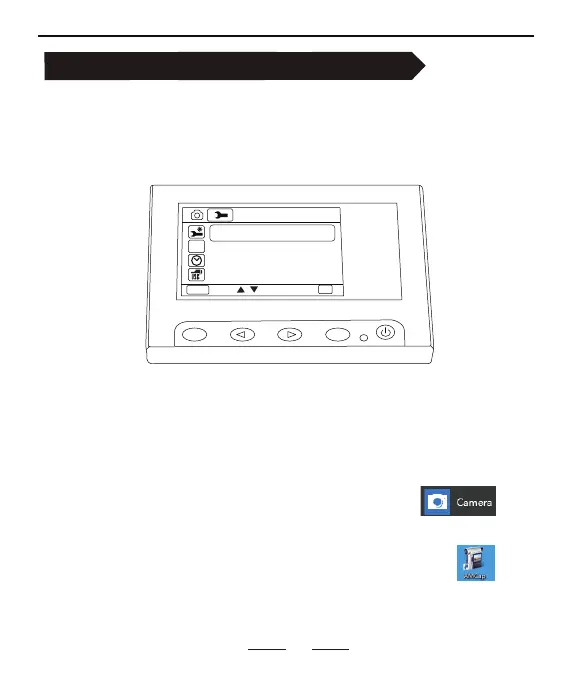
select "PC Cam" mode.
(Menu - System settings - USB -PC Cam)
Connect the microscope to the PC with a USB cable.
Note: This microscope does not support MAC OS.
1.Windows 10 Default Software:Windows camera
Note: This software supports the camera and video function.
How to connect to PC for bigger view
09
HZ
PC Cam
MENU
OK
MODE
OK
Setup
Disk
Charging mode
Step1
Step2
Open the applicable software.
Step3
2.Optional Software:AMcap (Download from Google)
Note: This version is a demo version. If you want to use the camera
and video functions, please download the paid version.



 To Next Page