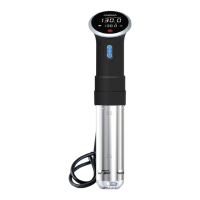
● AP Isolation - If you have this setting enabled in your router settings or
WI-FI extender, you will need to have this option disabled in order to
connect your Anova Precision Cooker WI-FI. This may also be known as
'Client Isolation' or 'Guest Mode' on your router. Please refer to your router
documentation to learn how to disable AP isolation.
● If you do not have access to your router settings, or if you are attempting to
connect through a guest, hotel or public network with AP/client isolation,
you will be unable to set up your Anova Precision Cooker WI-FI.
If you are still unable to connect, you can always contact us at
support@anovaculinary.com


 To Previous Page
 Loading...