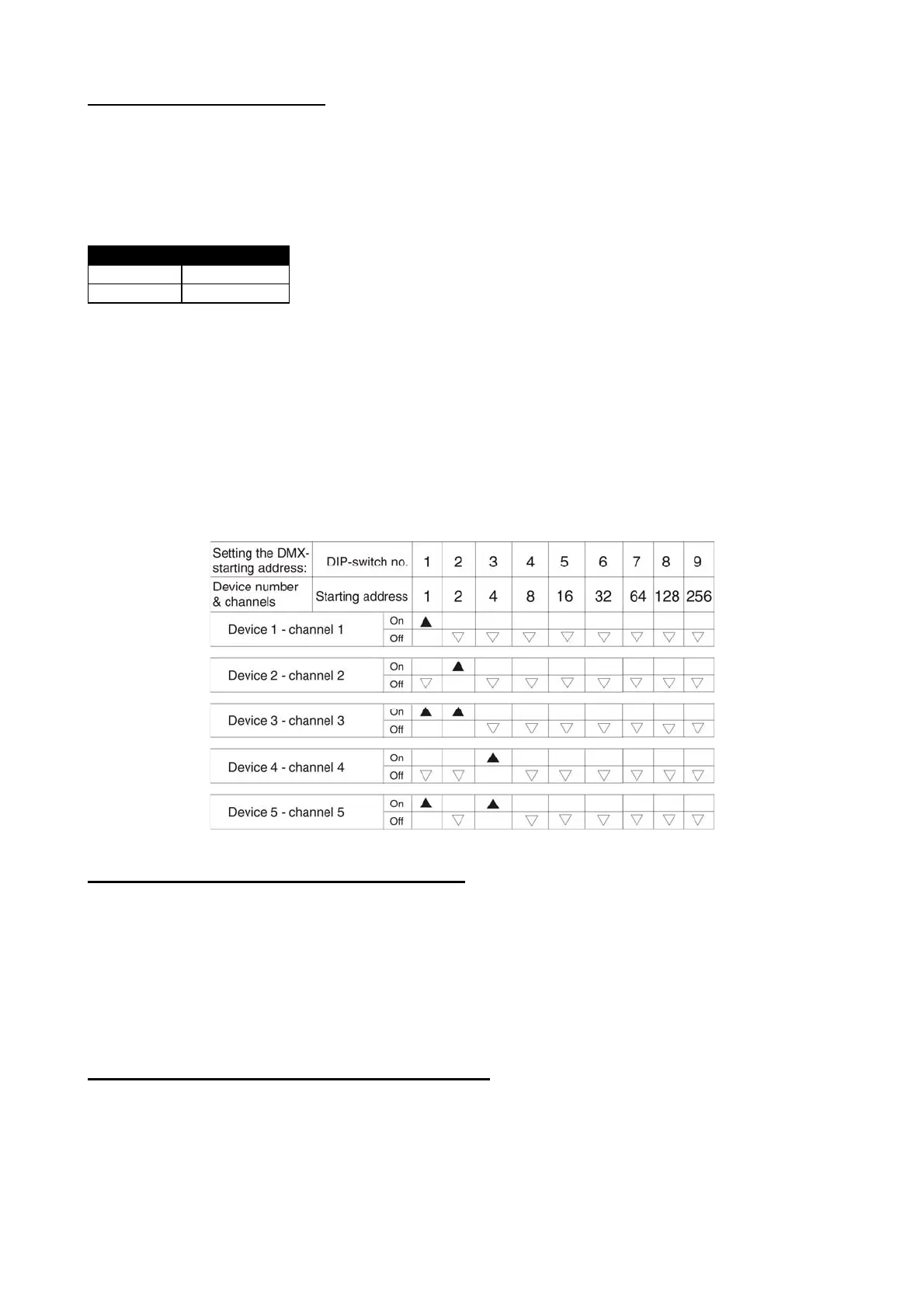
Using DMX to control the B-200:
Set the desired DMX channel using the dip switches at the back of the machine.
Connect the bubble machine to the DMX chain using the input and output sockets.
NOTE: The machine uses only one DMX channel. This channel does not control bubble volume, it only
controls on & off functions.
DMX protocol
DMX value Feature
0 -128 OFF
129-255 ON
Addressing
Each device occupies 1 channel. To ensure that the control signals are properly directed to each device, the
device requires adressing. This is to be done for every single device by changing the DIP switches as set out
in the table below.
The starting address is defined as the first channel from which the device will respond to the controller.
Please make sure you don’t have any overlapping channels in order to control each device correctly and
independently from any other device on the DMX data link. If two, three or more devices are addressed
similarly, they will work similarly.
Occupation of the DIP-switches:
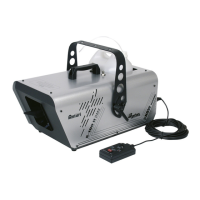
With optional BCT-1 timer remote control attached:
When the remote is connected, the B-200 can be controlled in two ways. The green button on the
remote is a manual override and the dial on the remote control sets the timer function.
The B-200 will generate bubbles for as long as the green button is held down.
To enable the timer function, turn the dial clockwise. When the yellow light on the remote turns on, the
timer is on. The duration of bubbles is set at 10 seconds and is not adjustable. The interval between
bubble blasts is adjustable between 3 - 220 seconds. To increase the interval, rotate the dial clockwise.
To decrease the interval, rotate the dial counter-clockwise.
With optional BCR-1 wireless remote control attached:
When the button on the wireless key chain transmitter is pressed, the B-200 bubble machine will bubble
continuously until the button is pressed again. The transmitter has a range of up to 50 meters from the
receiver.
Please save these instructions.
5


 To Next Page