DMX-4 USB Mixer User Manual
17
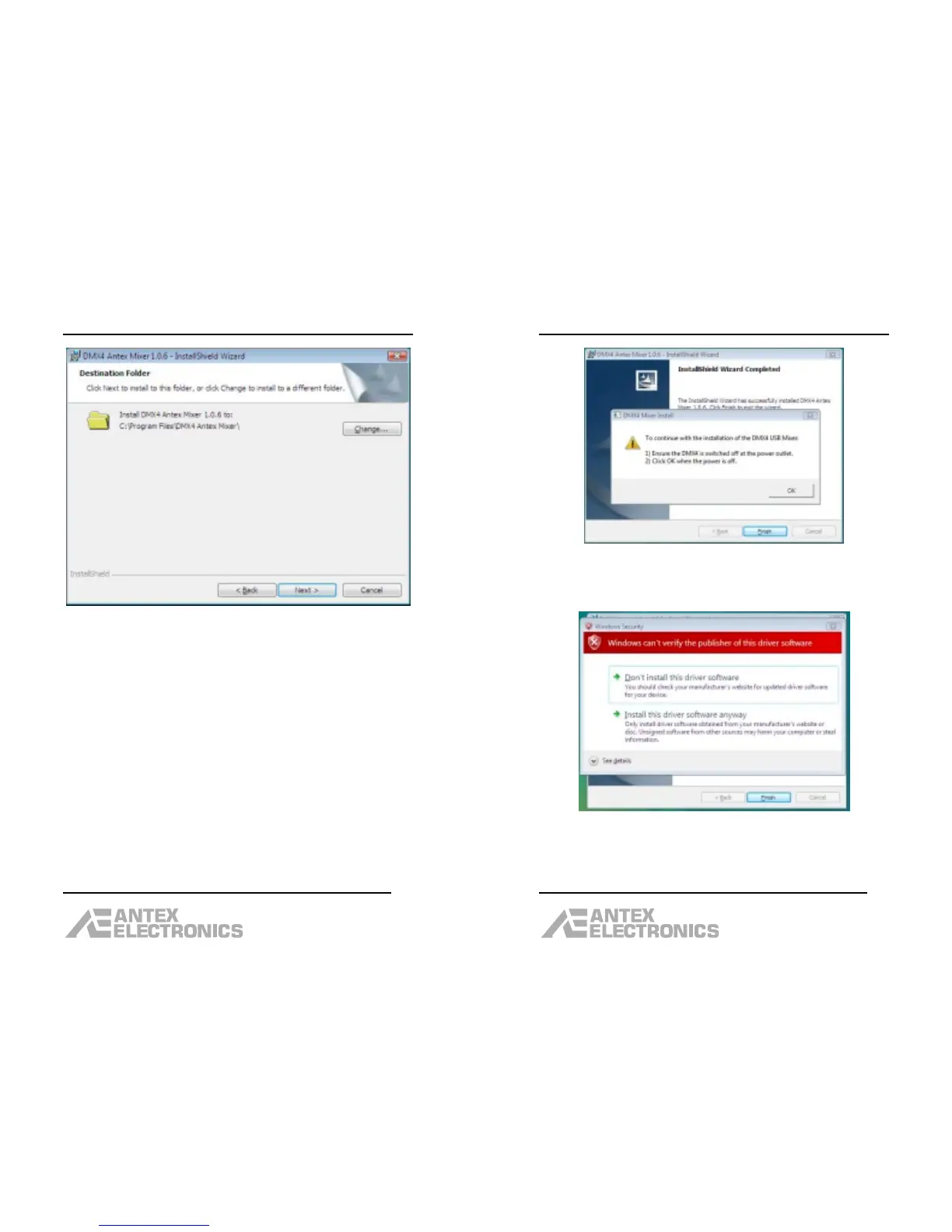
Click “Change” to change the destination folder,
otherwise, click “Next”.
The next dialog box will say “Ready to Install the
Program”. Click “Install”.
After the program is installed, a dialog box will appear
that says “InstallShield Wizard Completed”. Click
“Finish”.
DMX-4 USB Mixer User Manual
18
Make sure either the USB cable is unplugged, or power
is removed from the DMX-4. Then click “OK”.
Click “Install this driver software anyway”.



 To Next Page