DMX-4 USB Mixer User Manual
15
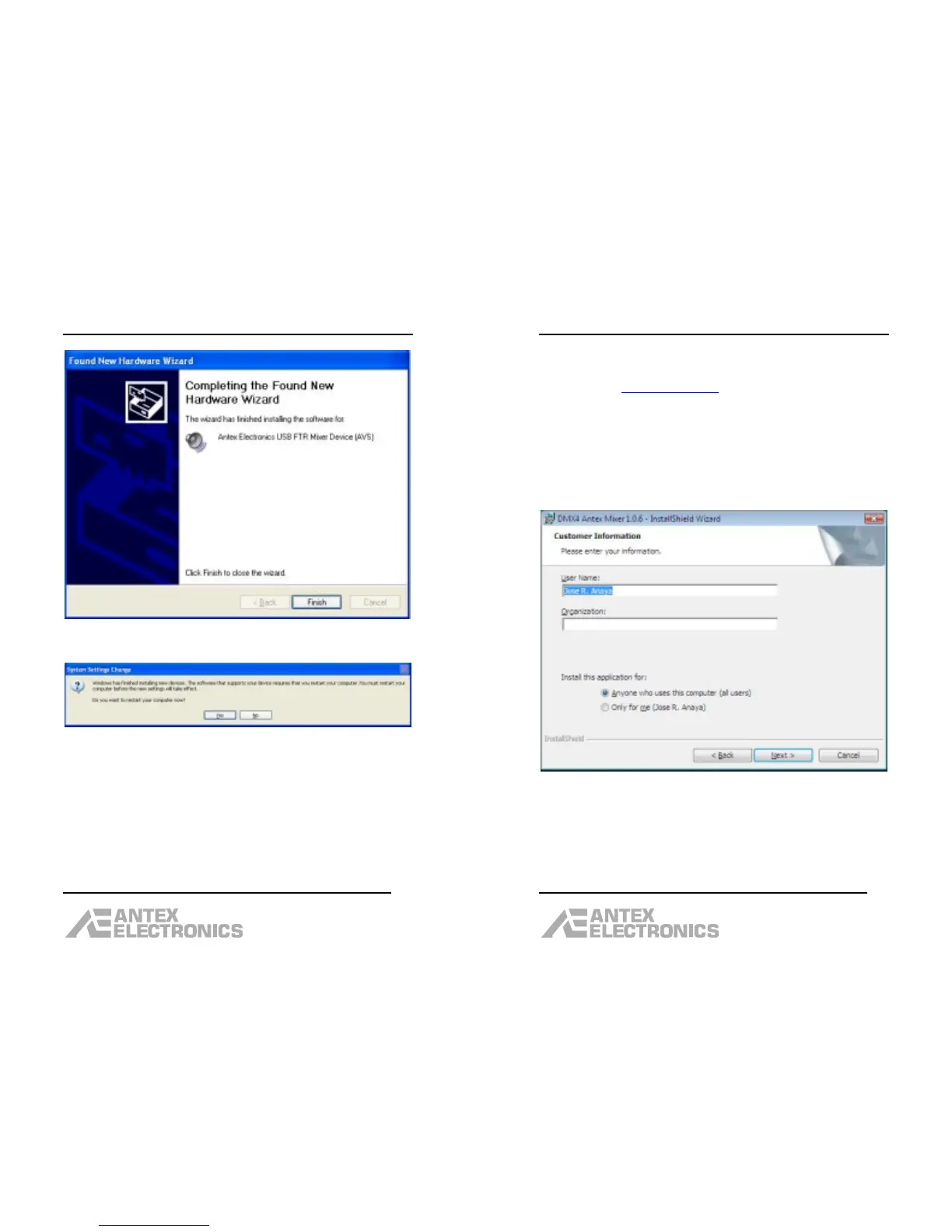
After the driver has loaded, click “Finish”.
If you get a message asking if you want to restart your
computer, click “Yes”.
After the computer restarts, the installation is complete.
There should be a shortcut on your desktop for the
Antex Mixer program.
DMX-4 USB Mixer User Manual
16
Installing the Software - Vista
• Go to www.antex.com
and download the latest
software driver for the DMX-4. The installation
process is fairly straightforward, using the
Installshield.
• Run the “Setup.exe” program.
• The first dialog box will say “Preparing to
Install…”
• On the second dialog box, click “Next”.
Enter the User Name and Organization, click “Next”.


 To Next Page
 Loading...