DMX-4 USB Mixer User Manual
13
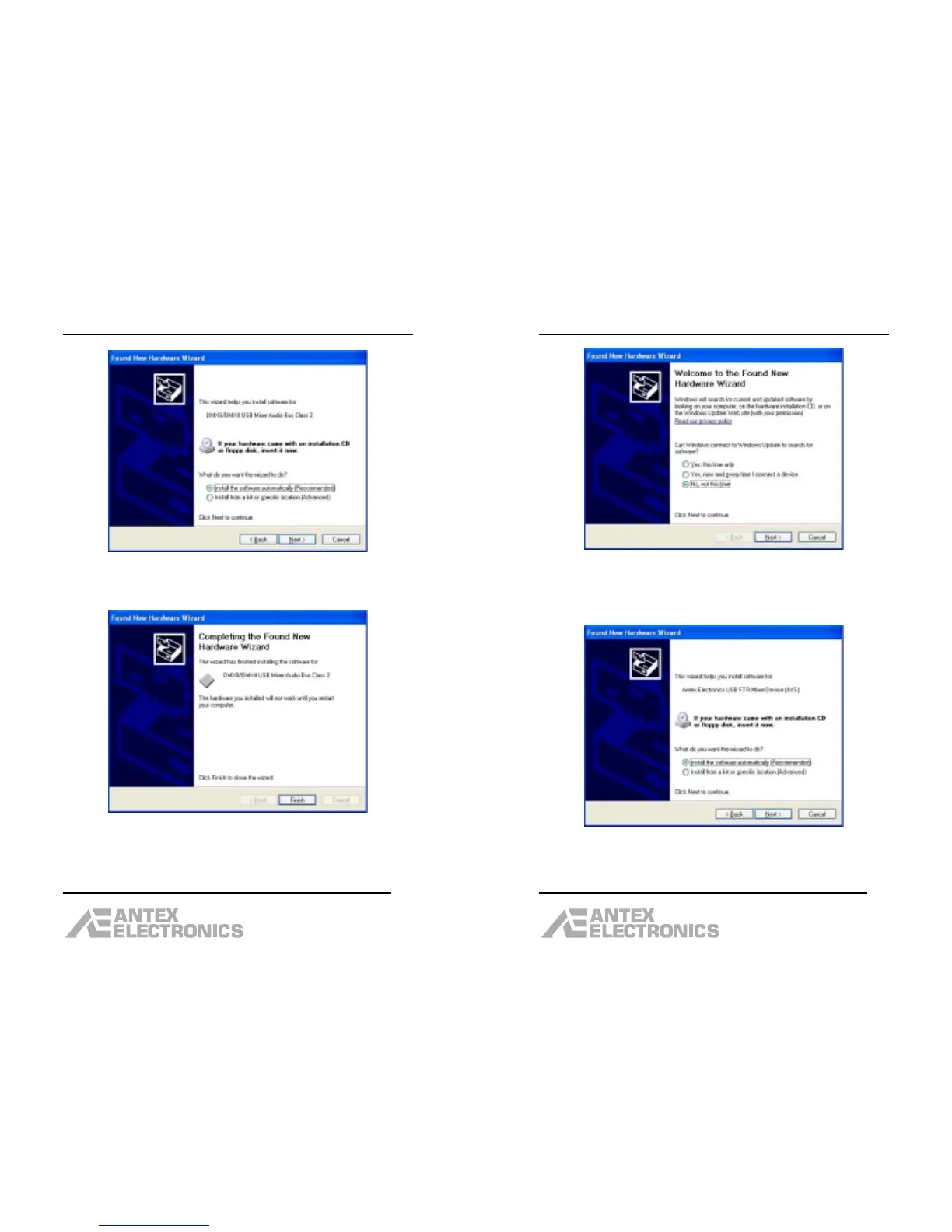
The “Install the software automatically (Recommended)”
should be selected. Click “Next”.
After the driver is loaded, click “Finish”.
DMX-4 USB Mixer User Manual
14
The New Hardware Wizard will open again, this time to
load the audio driver. Select the “No, not this time”
option (this is NOT the default), then click “Next”.
The “Install the software automatically (Recommended)”
option should be selected. Then click “Next”.



 To Next Page